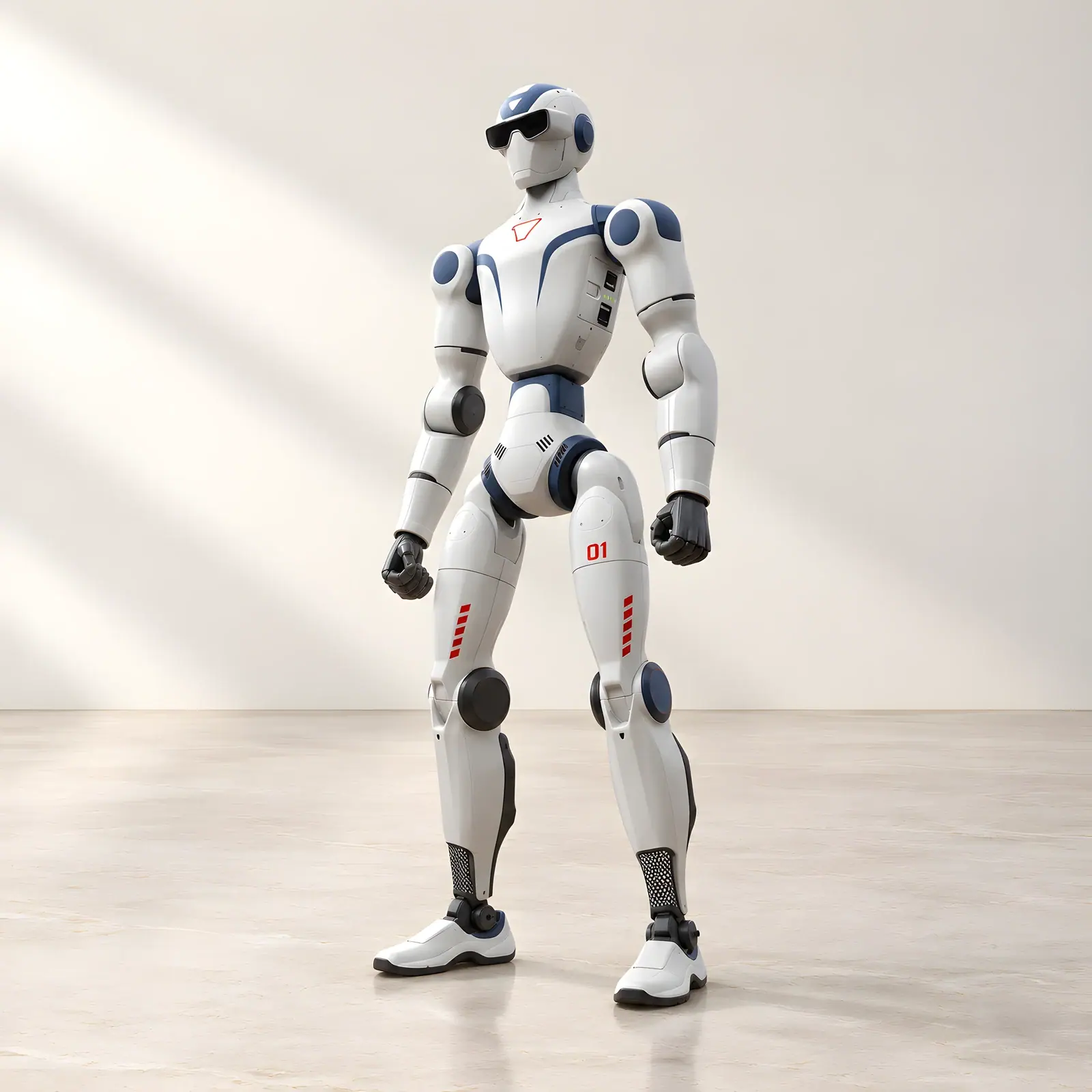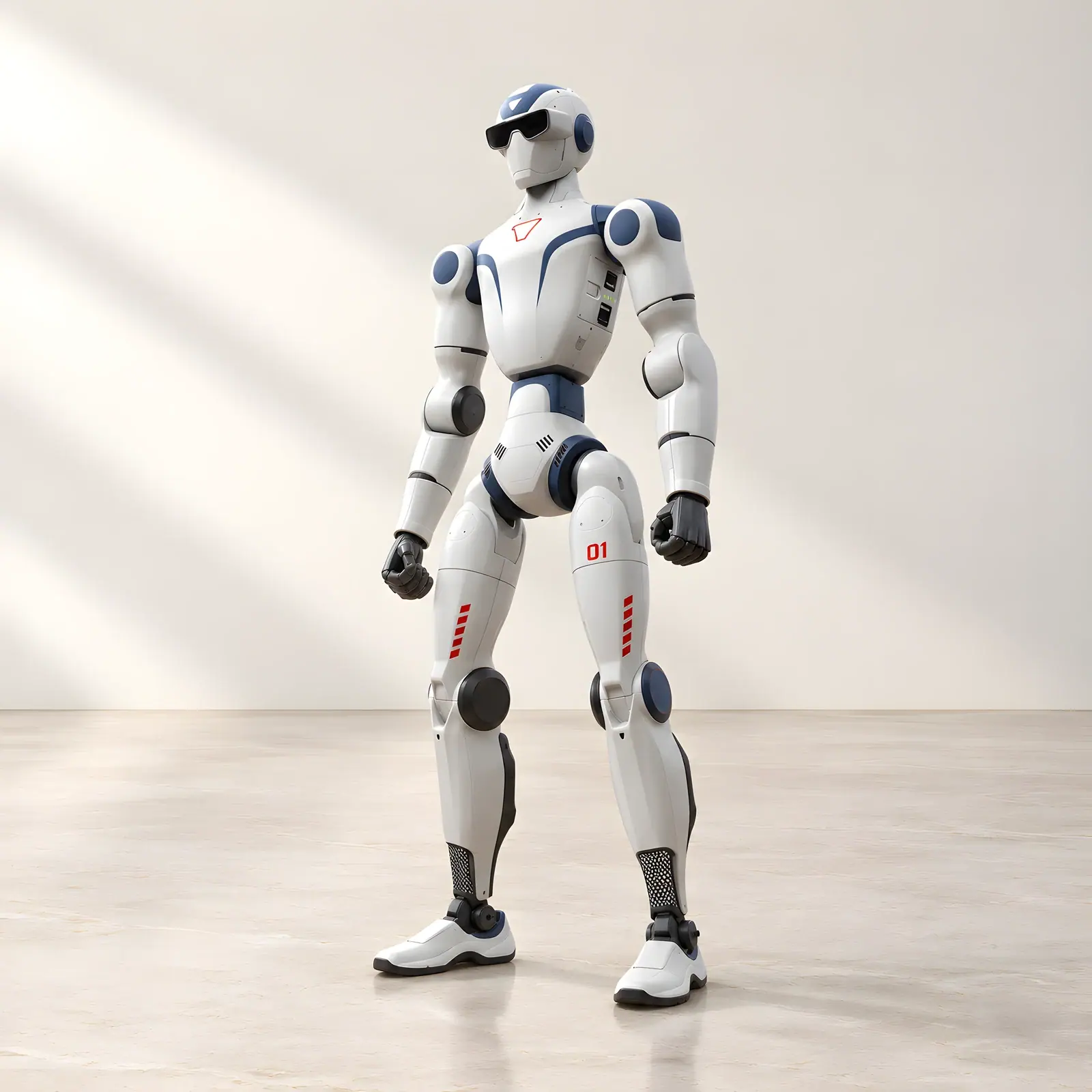
The most important difference between Unitree R1 Basic and R1 EDU is easy to miss in a photograph. Both share the compact R1 form, and an entry EDU configuration may have the same headline joint count as Basic. The decisive distinction is what your team can develop on the platform.
Basic is for using the supplied capabilities. EDU is the version to consider when you want to create software, work with supported control interfaces and build a research or teaching project around the robot.
Begin with the question behind the purchase
A marketing manager might ask, “Can we use this robot to make our next exhibition more engaging?” A university lecturer might ask, “Can students write and evaluate their own control software?” These are different requirements, even if both buyers like the same demonstration video.
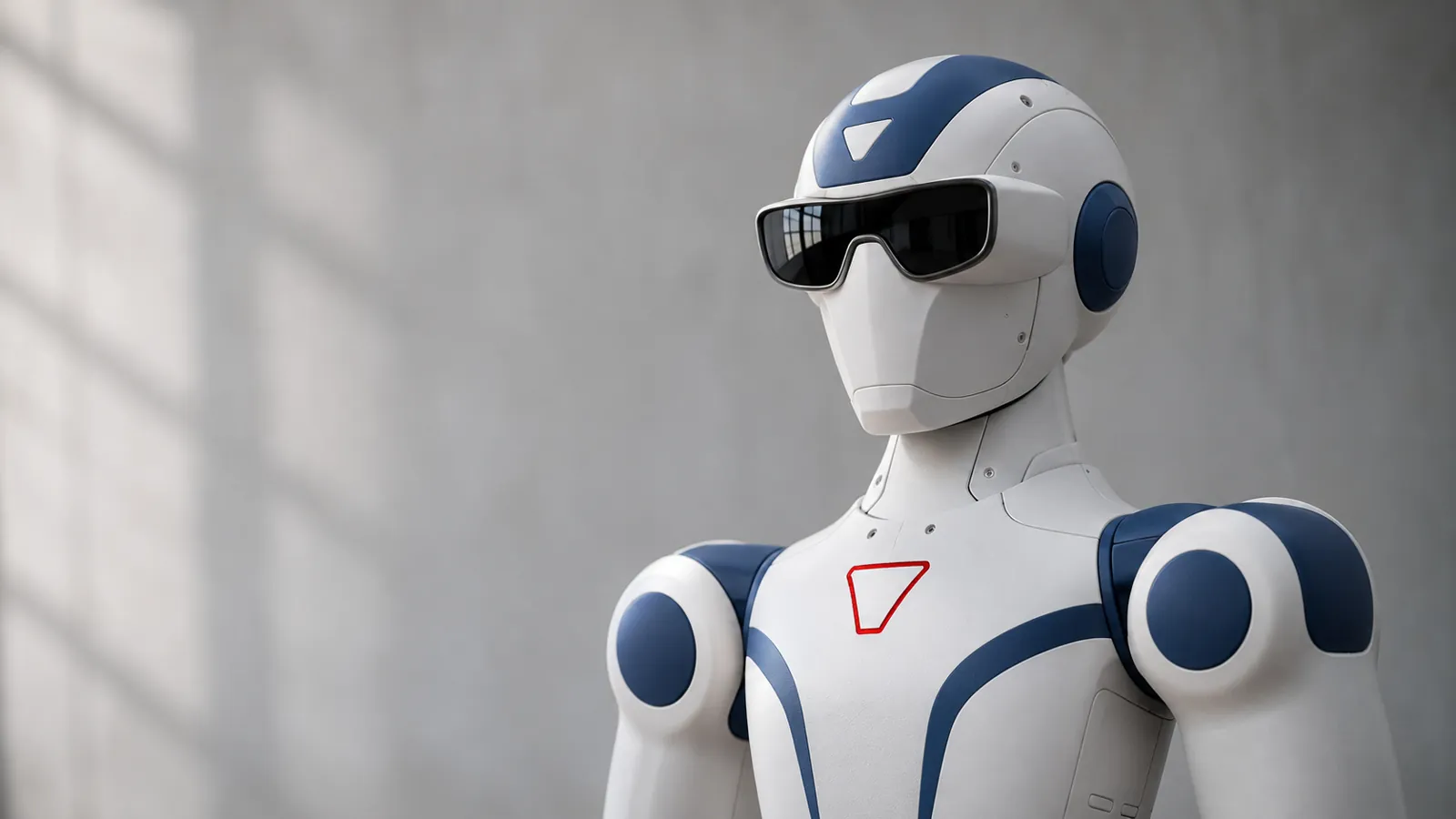
The Unitree R1 Basic is aimed at demonstrations, promotional experiences and similar uses. It offers 26 degrees of freedom, including a moving head and waist, and hardware for visual and voice interaction. It does not support secondary development.
The Unitree R1 EDU adds the development access that technical teams need. That is the main reason to pay for EDU, even before considering optional hardware.
Compare access as well as equipment
| Buying question | R1 Basic | R1 EDU |
|---|---|---|
| Can it serve as a demonstration humanoid? | Yes, using supported functions | Yes, with the relevant setup |
| Does it support secondary development? | No | Yes |
| What is the listed joint range? | 26 degrees of freedom | 26–40, configuration-dependent |
| Can dexterous hands be specified? | Not in the listed configuration | Optional |
| Are additional high-performance computing options available? | Not in the listed configuration | Optional |
| Who is the strongest fit? | Demonstration and marketing users | Developers, researchers and advanced teaching teams |
The maximum EDU specification is not the default specification. A quotation should identify exactly which hands, processing hardware and development resources are included.
Why programmability changes the project
An SDK gives developers supported ways to communicate with the robot. It can be part of a workflow involving simulation, access to sensor information and controlled experiments with movement. It is a route to building applications, rather than a ready-made catalogue of every application a team might imagine.
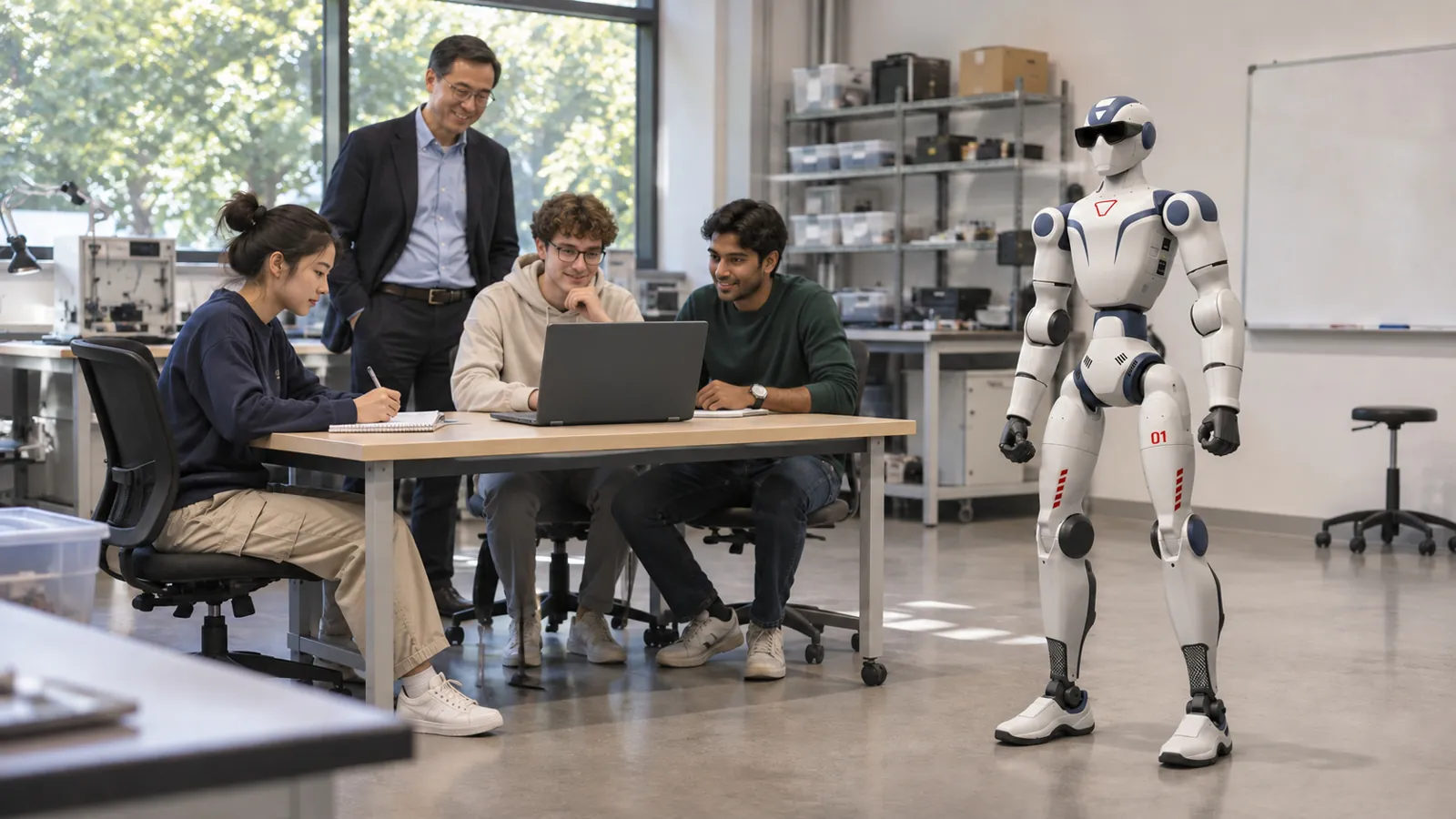
Suppose a research group wants to investigate how people interpret a humanoid's gestures. The group needs repeatable behaviours, a way to adjust them and a process for collecting observations. EDU is relevant because its development access supports that kind of engineering work.
By contrast, a business that wants a rehearsed appearance using supplied functions may gain little from that access. Paying for development capability without a development plan can leave part of the investment unused.
What about ease of use?
Routine operation and software engineering are separate skills. An EDU robot can still be operated through its supplied controls, but maintaining a custom application adds responsibilities: software versions, testing, troubleshooting and documentation.
The difficulty therefore depends on what you build. A small, well-defined experimental behaviour is a different project from an application intended to react to changing people and surroundings. Neither should be described as unlimited or automatic simply because EDU has open interfaces.
For schools and universities, this makes staff preparation important. The person supervising the robot needs a clear view of both the educational objective and the operating procedures.
Do you need a humanoid development project at all?
Consider a restaurant that wants fewer repeated trips from the kitchen to the dining area. Developing a humanoid application for that task introduces work that an established service platform may already address. Reef Robotics' waiter robots for restaurants and hotels offer a more direct starting point for moving items along prepared routes, with staff handling loading and service.
As a Cyprus supplier, Reef Robotics can help separate a demonstration brief from a development brief before you choose. Basic makes sense when its supplied experience meets the need. EDU earns its place when access to the platform is essential to what your team intends to learn or build.