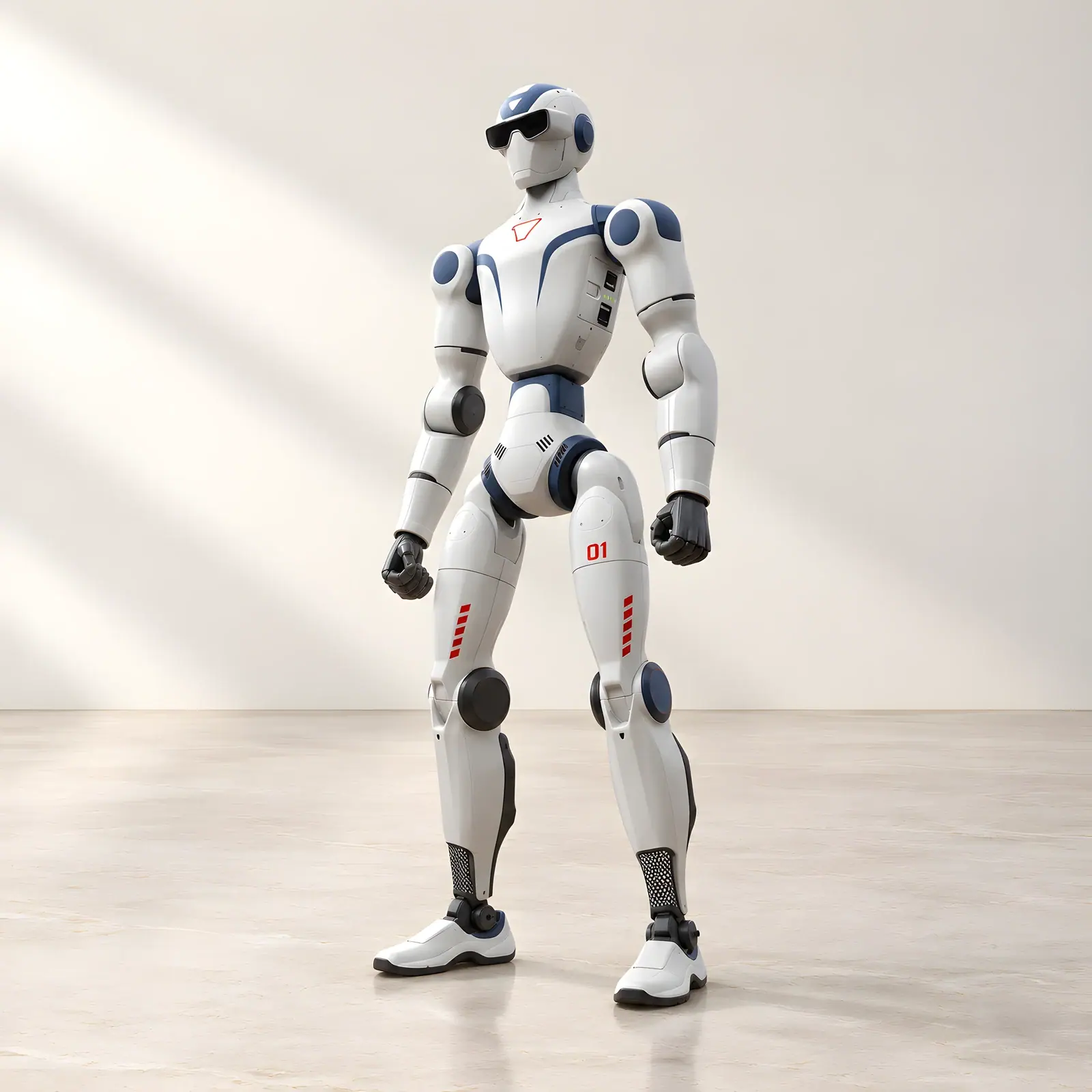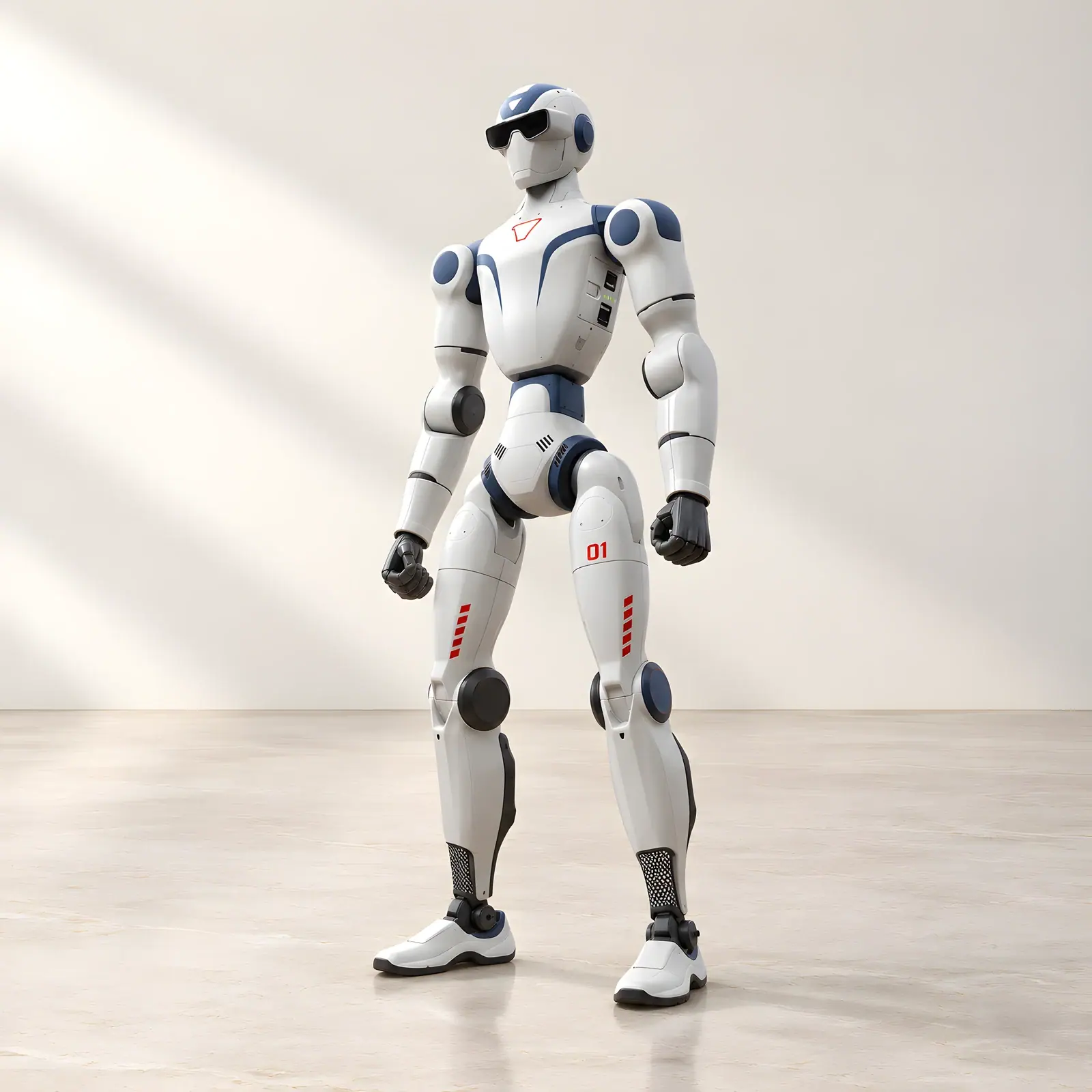
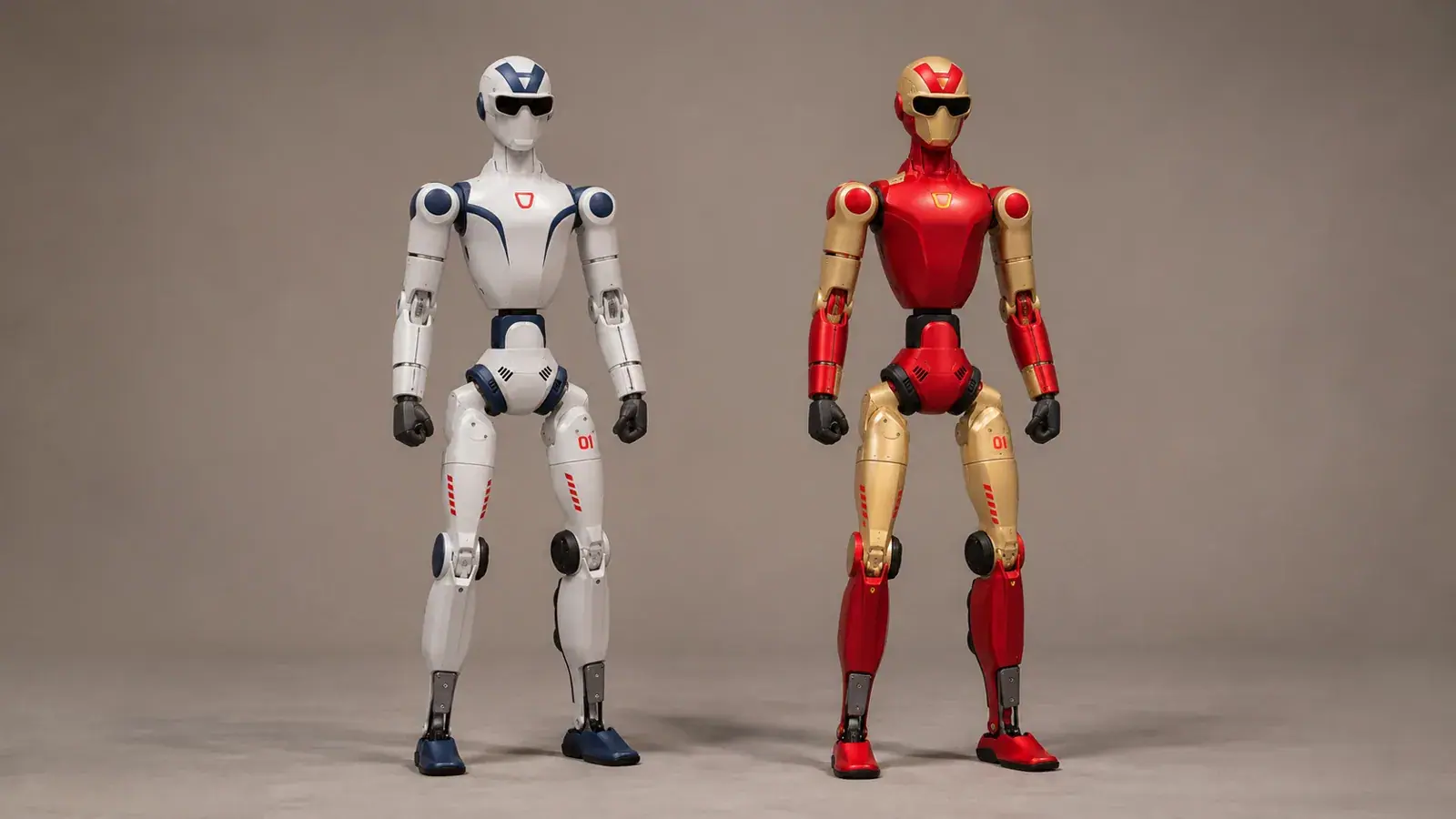
Two robots can have almost the same dimensions and still offer noticeably different experiences. Unitree R1 Basic and R1 Air are a good example: both are compact humanoids, but the way they can move is not identical.
If you are choosing between them, start with the appearance you want to create. Will the robot make short, straightforward demonstrations, or will more expressive upper-body movement be central to the presentation? That answer is more helpful than simply choosing the higher specification.
The differences at a glance
| Feature | R1 Air | R1 Basic |
|---|---|---|
| Height | 123 cm | 123 cm |
| Approximate weight with battery | 27 kg | 29 kg |
| Degrees of freedom | 20 | 26 |
| Movement in each arm | 4 degrees of freedom | 5 degrees of freedom |
| Articulated waist and head | No | 2 degrees of freedom each |
| Camera | Monocular | Binocular |
| Manual controller | Included | Included |
| Secondary-development support | No | No |
| Approximate battery runtime | 1 hour | 1 hour |
These figures describe the configurations listed by Reef Robotics. Runtime varies with use, and the final supplied package should be confirmed in the quotation.
What six extra degrees of freedom change
A degree of freedom is an independently controlled movement. Think about the difference between facing something with your whole body and turning your head towards it. Both change where you face, but the second gives you more expressive freedom.
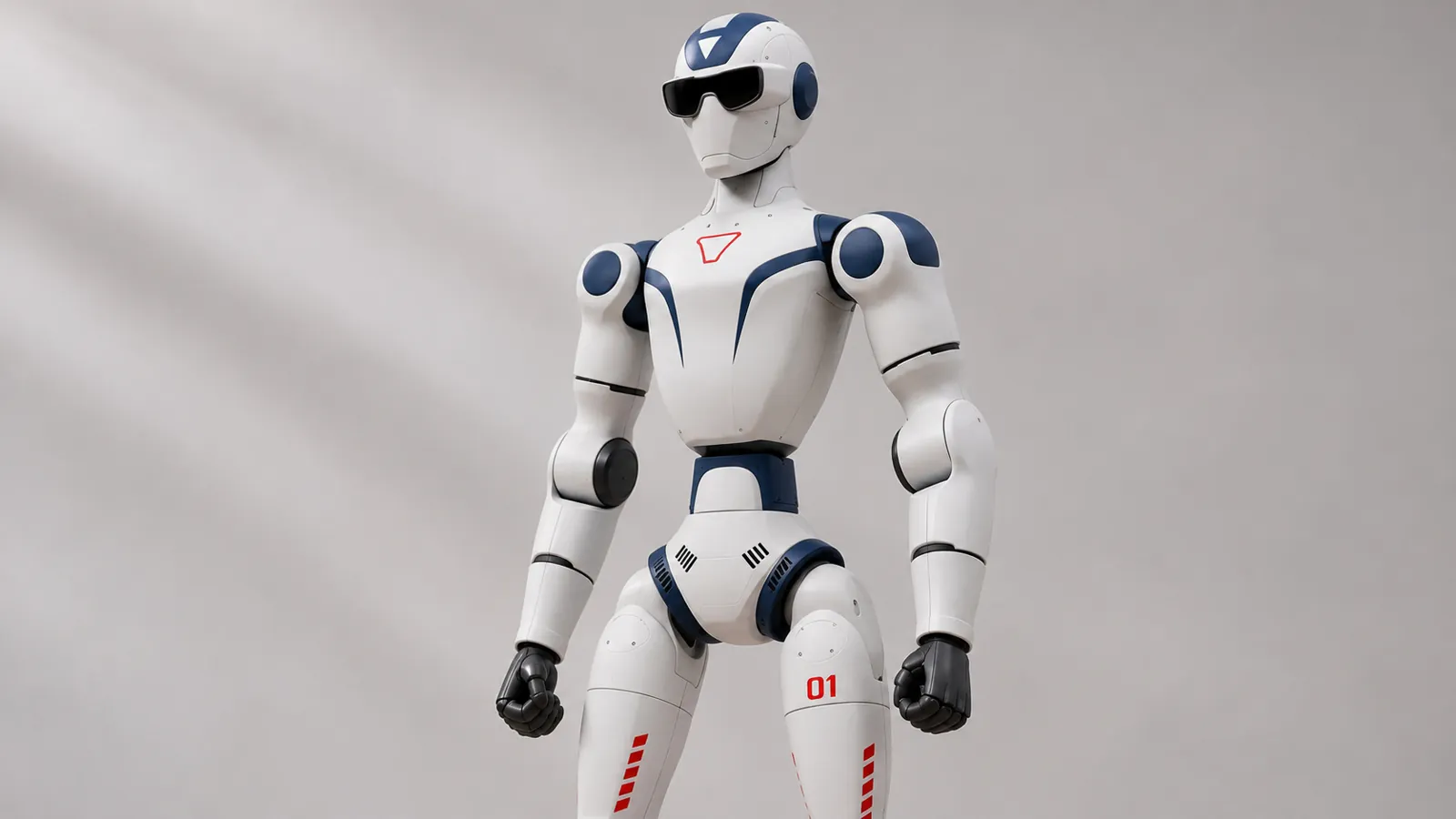
The Unitree R1 Basic adds head and waist articulation, plus an additional degree of freedom in each arm. Those differences matter when upper-body movement is an important part of a demonstration. They create a broader mechanical range for supported gestures and poses.
The Unitree R1 Air uses a simpler layout. That can be entirely appropriate when the attraction is seeing a humanoid move in a controlled space. You do not need every available joint movement to create an interesting first encounter.
What the camera difference means
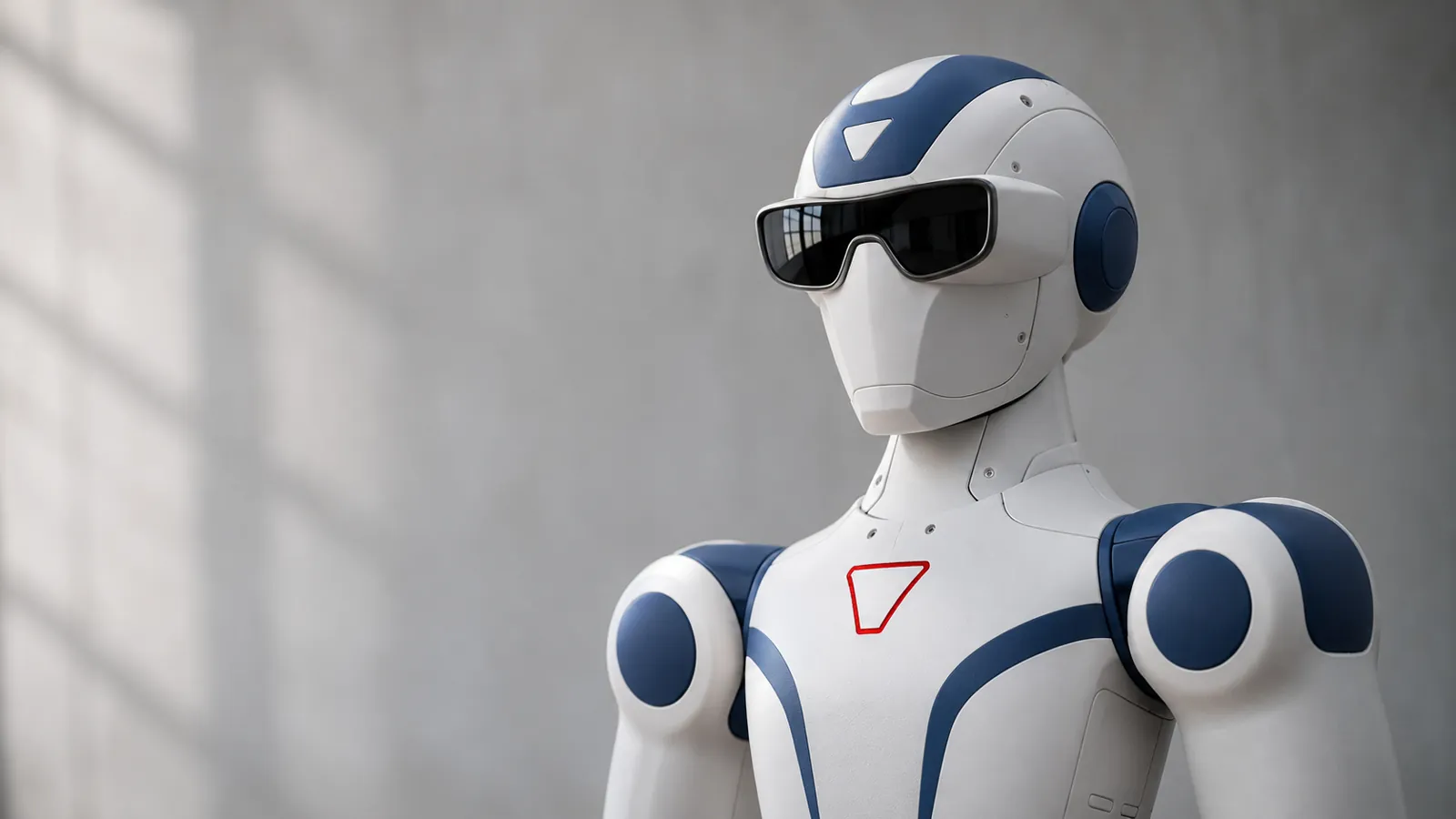
Air has a monocular camera, while Basic has binocular vision. In plain language, one uses a single camera view and the other uses a paired view that can support depth perception.
That is a hardware distinction. It should not be read as a guarantee that Basic can independently find its way through your hotel or exhibition. Navigation depends on the complete combination of sensors, software and operating conditions. A demonstration of the specific task is a better buying test than the camera description alone.
Which is easier to operate?
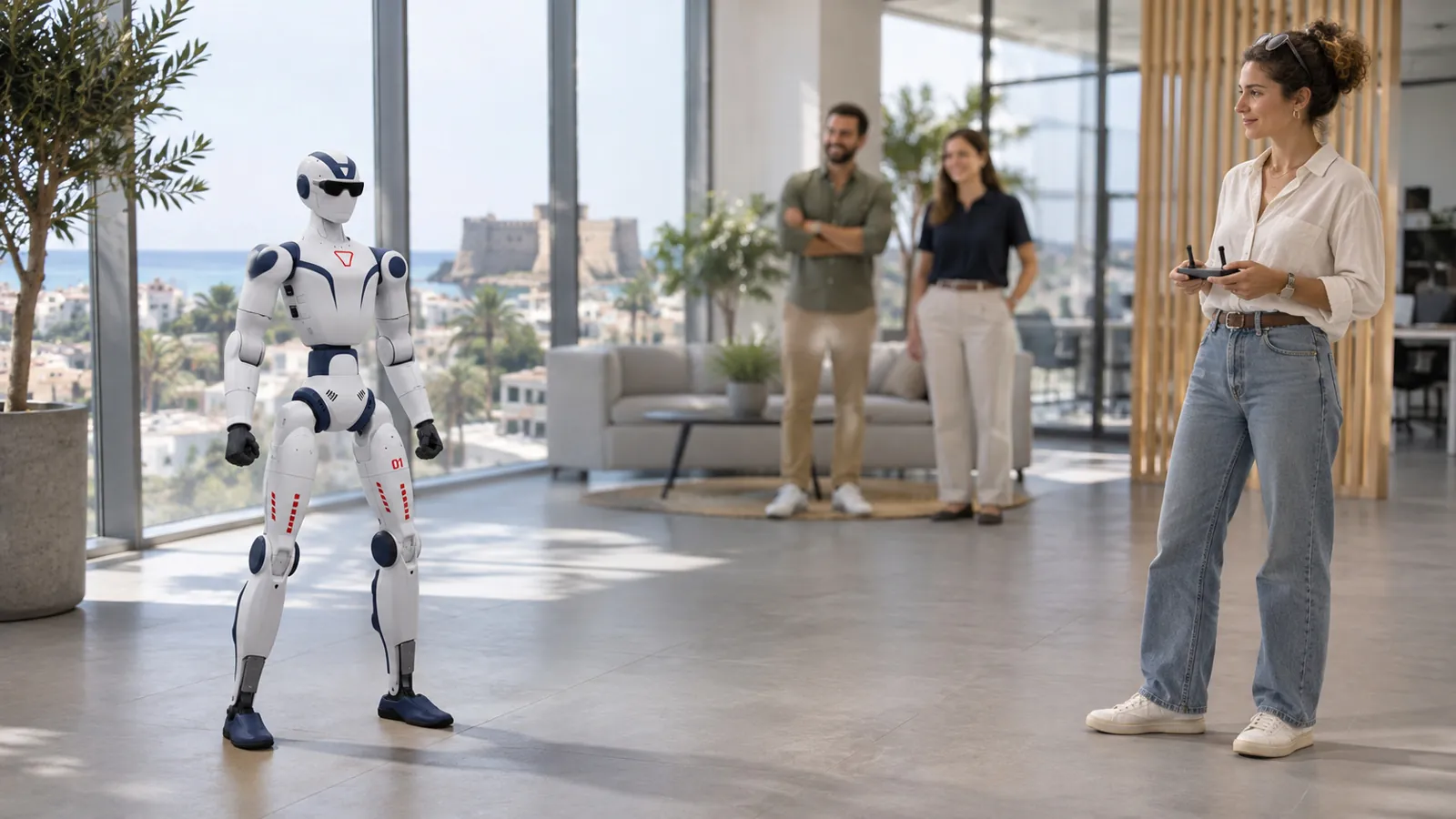
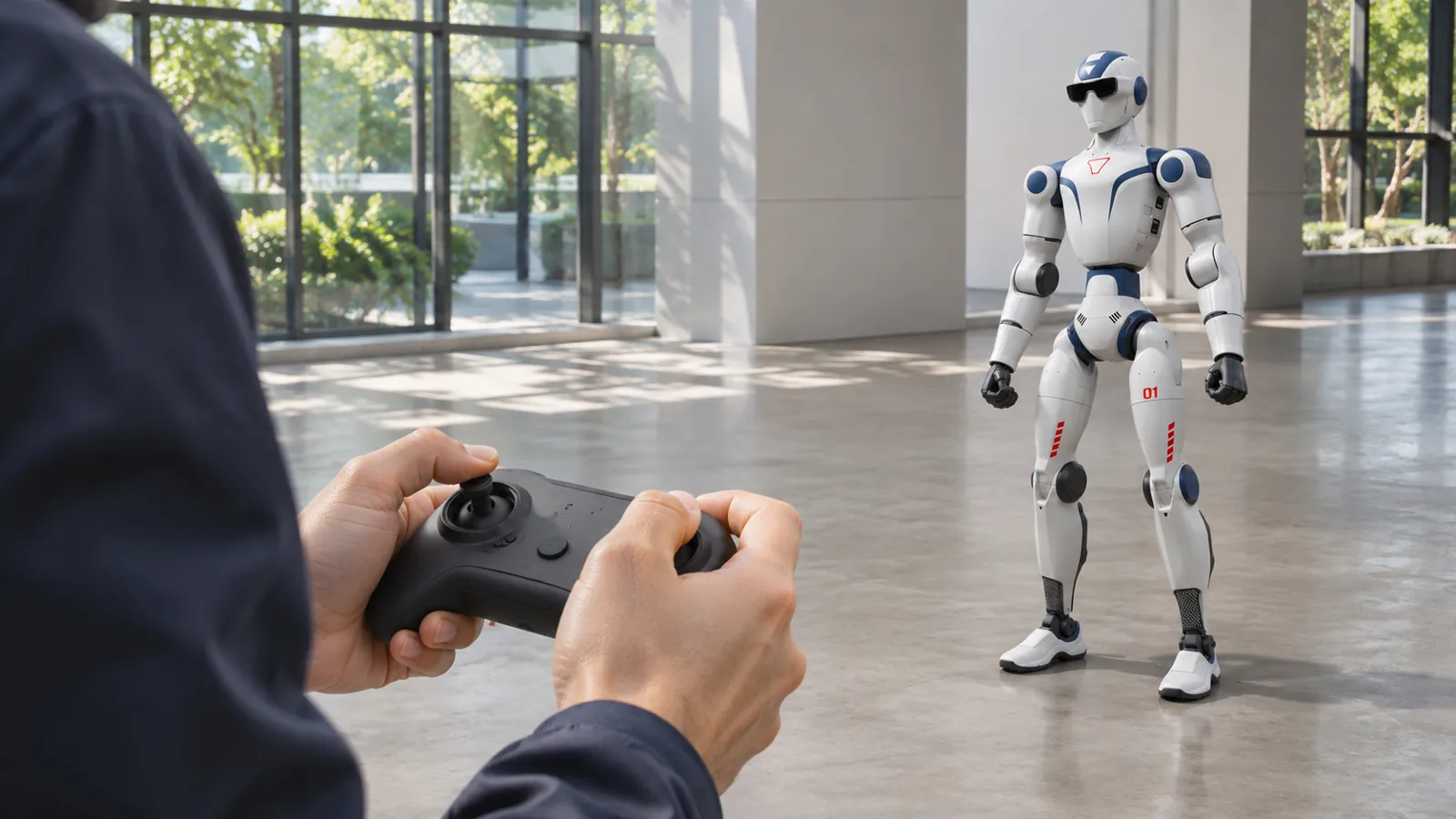
Air's remote-controlled movement offers a direct approach for introductory demonstrations. Basic also includes a manual controller. In both cases, staff need to learn startup, routine control, stopping and packing procedures.
Neither model provides the secondary-development support offered by EDU. Choosing Basic therefore does not buy an unrestricted programming environment. If your comparison is really about creating your own applications, Unitree R1 EDU should be part of the discussion.
Choose according to the work you will actually do
Air is a sensible shortlist option for a company that wants an accessible humanoid for occasional promotional appearances, introductory education or supervised recreational use. Its lower position in the price range can leave more room for training, transport equipment and the event itself.
Basic becomes more attractive when the additional articulation will be used repeatedly: a presentation where turning the head matters, a carefully framed video shoot, or a demonstration built around fuller body expression. Ask to see the particular approved movements you expect to use.
For both models, plan around battery breaks and the handling of a 27–29 kg machine. The two-kilogram difference may matter less than the design of the protective case and access at the venue.
Consider the alternative before ordering
If your brief is actually “help visitors find their way and answer routine questions”, Reef Robotics' reception and greeting robots may be closer to the job. Their service functions can matter more than a humanoid shape in a busy reception area.
Reef Robotics helps Cyprus customers make this comparison around the intended use. Choose Air when its simpler format covers the brief. Choose Basic when the added movement earns its place in the plan.