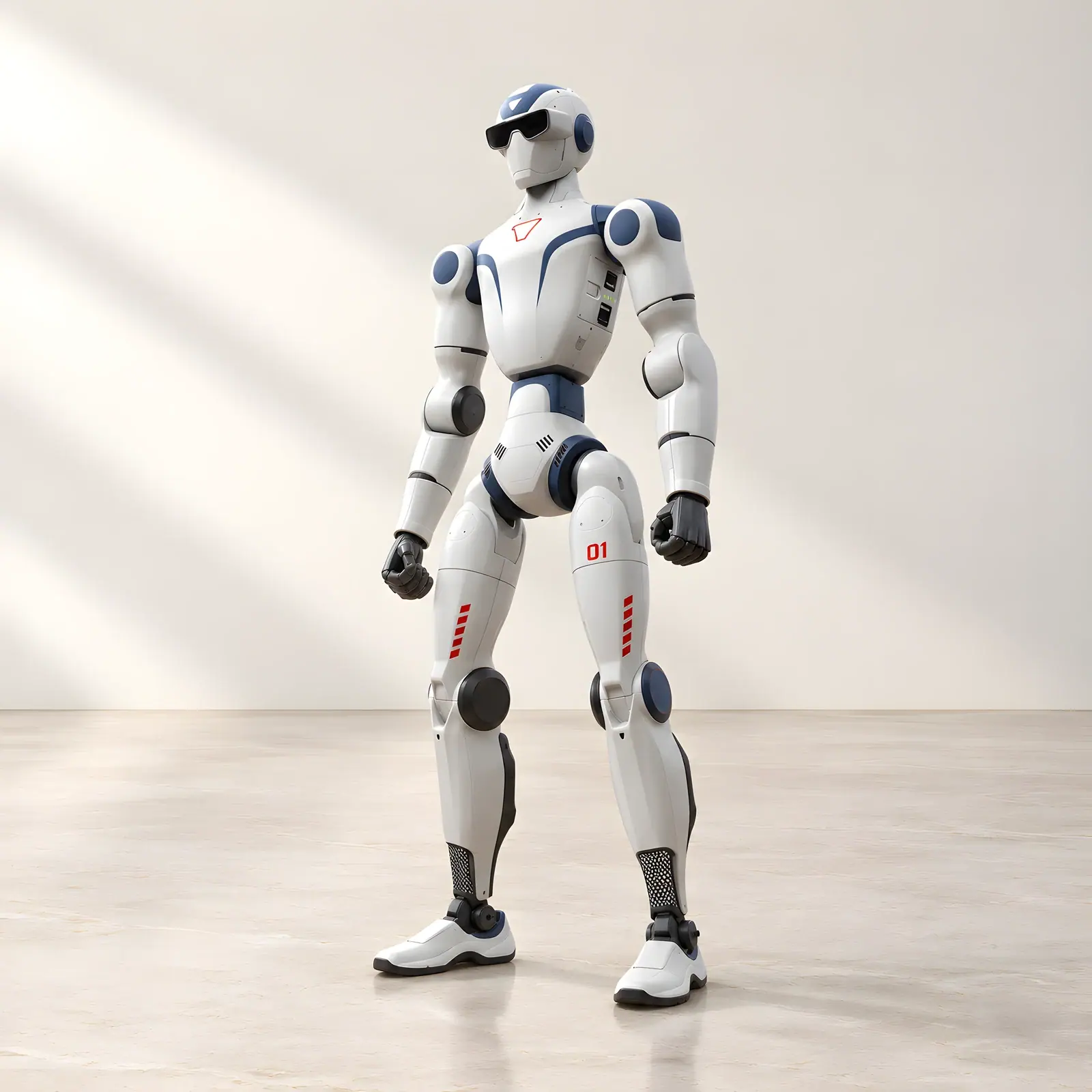
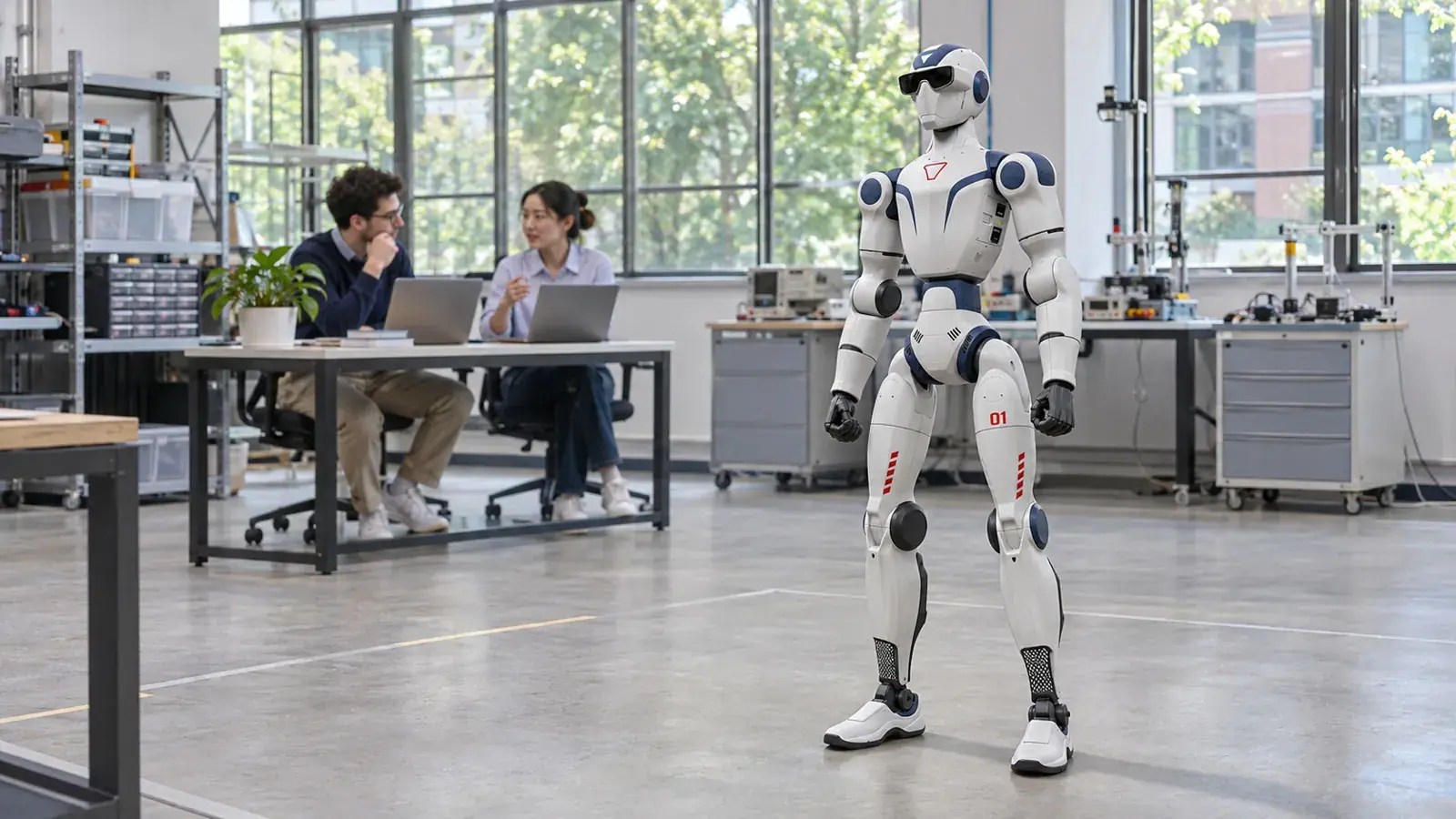
A robot demonstration can make students ask how something works. A development platform lets them begin answering that question themselves.
That is the main reason to consider Unitree R1 EDU. It is designed for universities, research groups, robotics developers and educational institutions that want to work beyond the supplied operating functions. Its value lies in the opportunity to develop, test and improve applications on a physical humanoid.
The letters EDU are therefore more than an education label. They identify a different level of access.
What an open development environment actually means
R1 EDU supports secondary development: writing additional software that works with the robot through supported interfaces. An SDK, or software development kit, provides tools and interfaces developers can use when building that software.
The platform exposes joint and sensor control interfaces and supports simulation workflows. This gives a technical team much more room to experiment than the consumer-oriented versions provide. It does not mean every part of the robot's software is open source, or that every proposed modification is supported.
For a university, the important buying question is precise: can students access the interfaces, documentation and tools required by the planned course? Agreeing on that before purchase is more useful than relying on the general word “programmable”.
A platform that can grow with the project
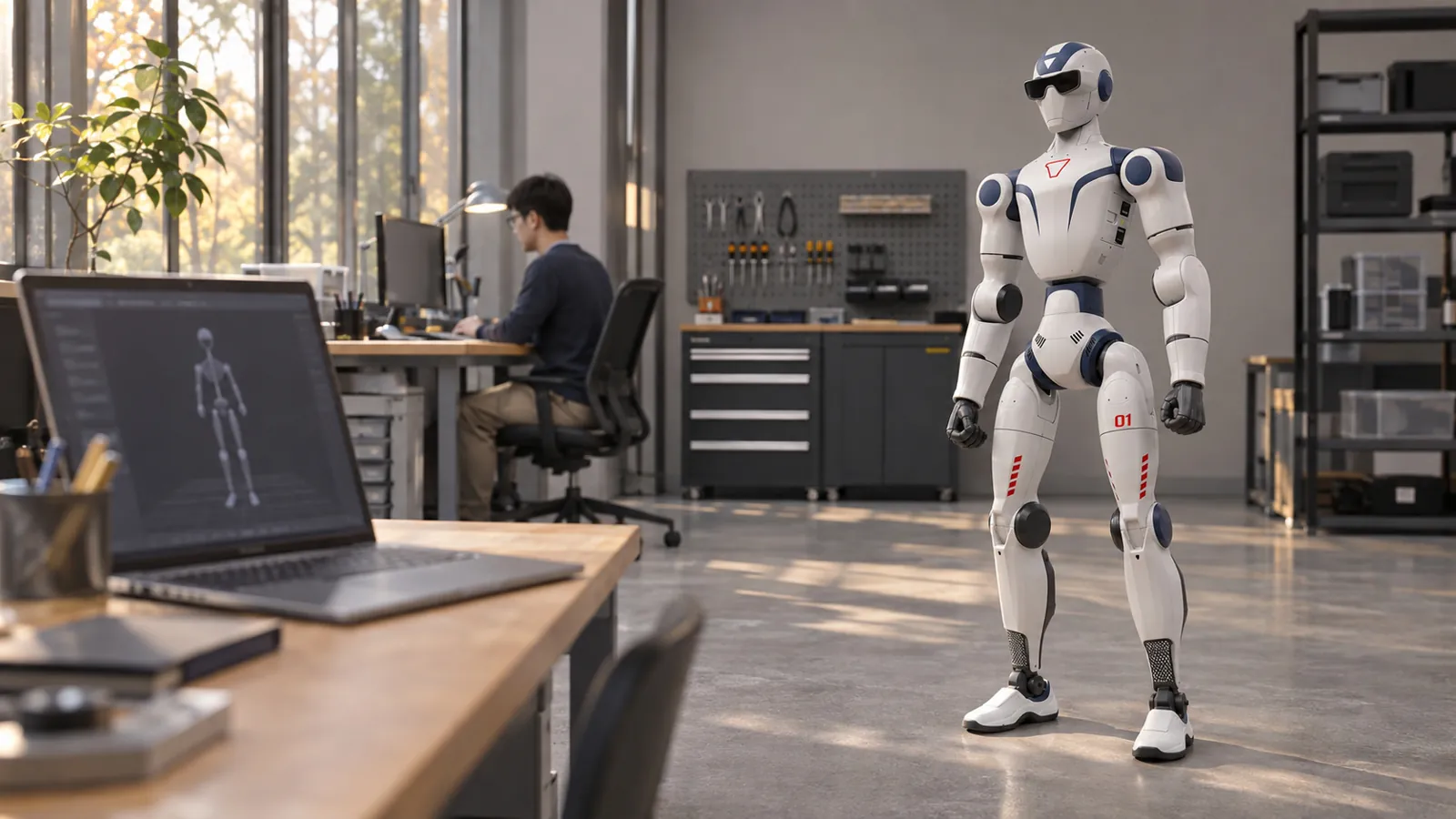
Reef Robotics lists R1 EDU with 26–40 degrees of freedom, depending on configuration. Optional dexterous hands add more articulated movement for projects involving manipulation. Additional computing modules are also available for workloads that need more processing power.
These options should follow the research question. A group investigating upper-body motion may have different requirements from one exploring how a robot handles objects. Buying the most elaborate configuration does not automatically make an introductory course better.
The standard platform's binocular camera, microphones and speaker provide a hardware foundation for perception and interaction projects. Turning that foundation into a reliable application remains a software and testing task. The distinction is useful for setting realistic student milestones.
What students can learn from a real humanoid
An R1 EDU project can bring several subjects together. Mechanical engineering students can study joint movement and physical constraints. Computer science students can work on control logic or perception. Design students can investigate whether a gesture is understandable to someone meeting the robot for the first time.
A manageable first exercise might be to design a simple movement in simulation, check it against the selected robot's limits and then evaluate a carefully supervised physical implementation. The outcome is not just a moving arm. Students have practised defining a requirement, testing an idea and comparing expected behaviour with observed behaviour.
More ambitious work can follow once that process is established. Examples include experimental interaction routines, sensor-based behaviours or research into movement control. These are potential development directions, not applications supplied fully finished with every EDU purchase.
Who benefits most?
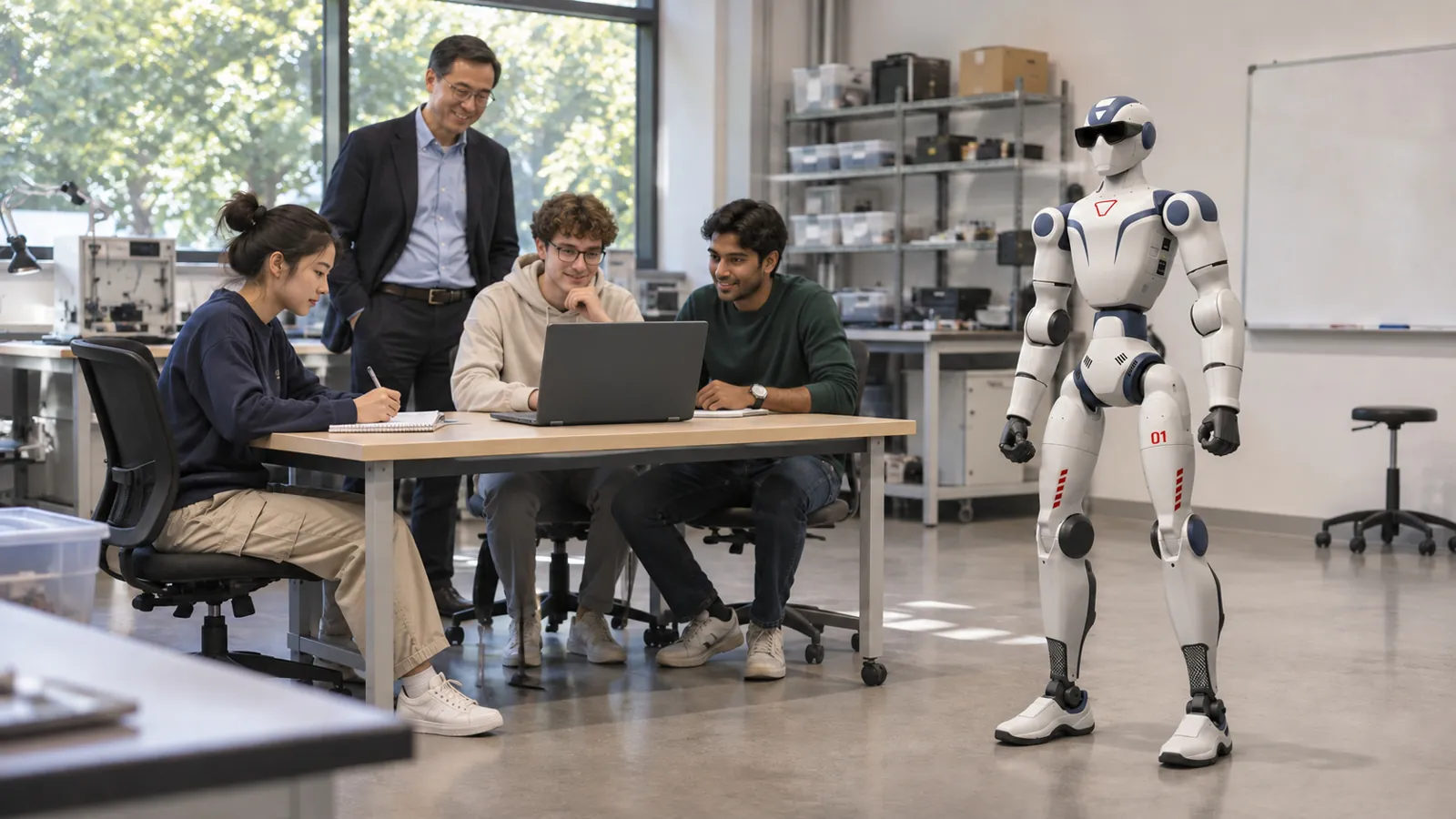
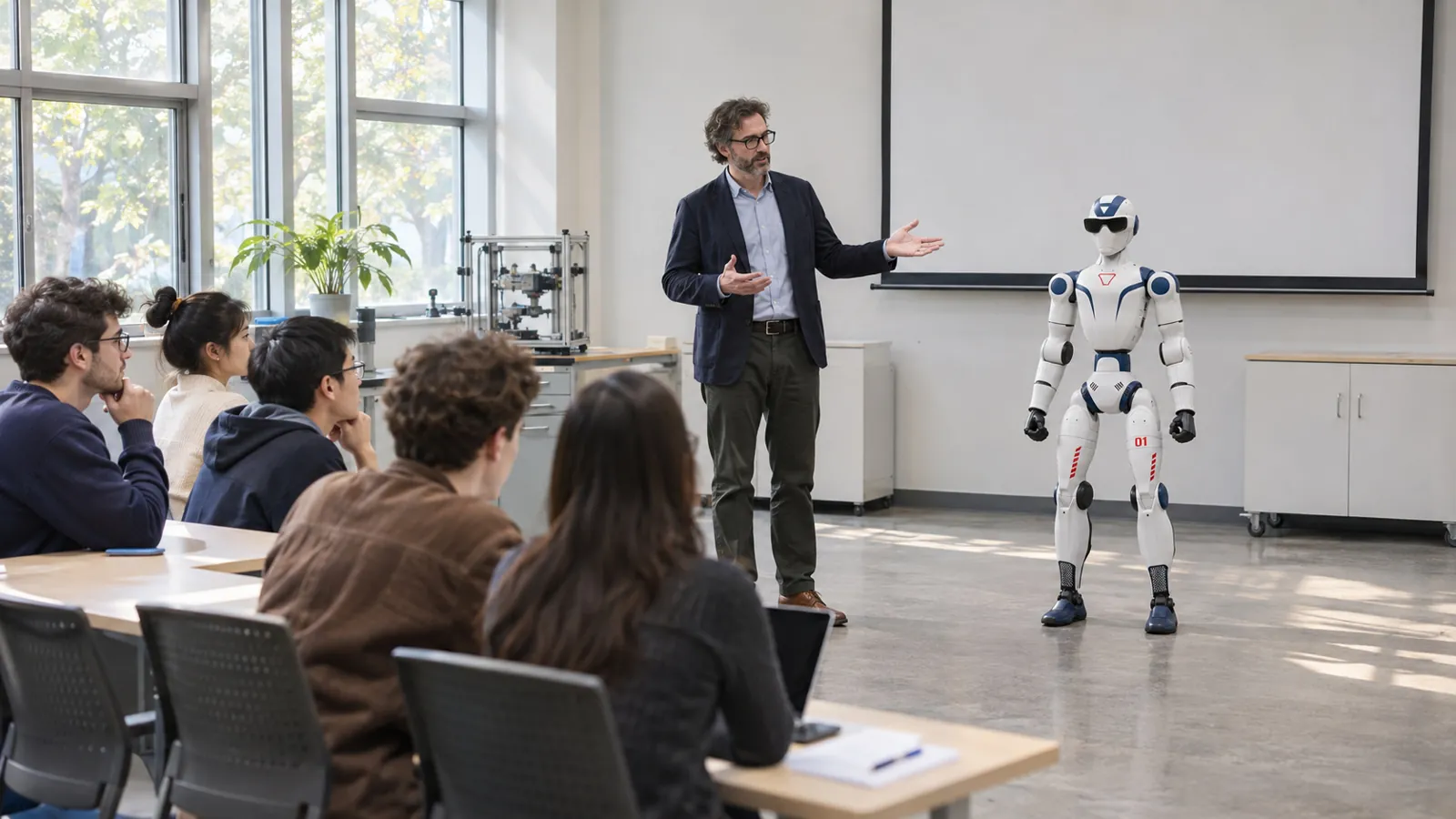
Universities and research laboratories are the clearest fit because they can provide technical supervision and sustained development time. Advanced vocational programmes and specialist school laboratories may also benefit when their staff, facilities and curriculum support the platform.
For a school open day where the robot will only be demonstrated, Unitree R1 Air may be sufficient. For more expressive demonstrations without custom software, Unitree R1 Basic is another option. Educational use alone does not require EDU; programming the robot is the decisive distinction.
Plan the people as carefully as the hardware
A successful laboratory needs someone responsible for the equipment, a clear training process and time for maintenance and documentation. It also needs a realistic first project. Those arrangements help turn a promising purchase into a resource that several student groups can use.
As a local supplier in Cyprus, Reef Robotics can help select the robot and configuration, arrange ordering and delivery to your chosen location, complete installation and setup, train your team and provide technical support after purchase. For robots that use mapped navigation, deployment also includes preparing the operating map; that is a model-specific service, not an added autonomous-navigation feature for every humanoid.
R1 EDU makes sense when your ambition includes building something of your own. Give that ambition a defined starting point, and the robot can become a practical bridge between classroom theory and physical robotics.