A good café runs on small moments: a regular greeted by name, a flat white made exactly as they like it, a quick word about the cake of the day. The difficulty is that the same people who create those moments also spend much of their shift walking trays to tables, collecting empty cups and wiping down after each group leaves.
Robots in cafés are not meant to replace that human side of the business. Their practical value lies in taking over the repetitive carrying so that the barista and floor staff can stay where guests notice them. This article looks at where a service robot fits in a coffee shop, which tasks to give it first and how to introduce it without changing the character of the place.
Where robots in cafés actually help
Most cafés have a predictable rhythm. There is a morning rush of takeaway orders and quick espressos, a slower mid-morning period, a lunch peak with sandwiches and salads, and an afternoon crowd that stays longer. The walking is concentrated in those peaks, and that is exactly when the counter is at its busiest.
A service robot is useful for three types of work in this setting:
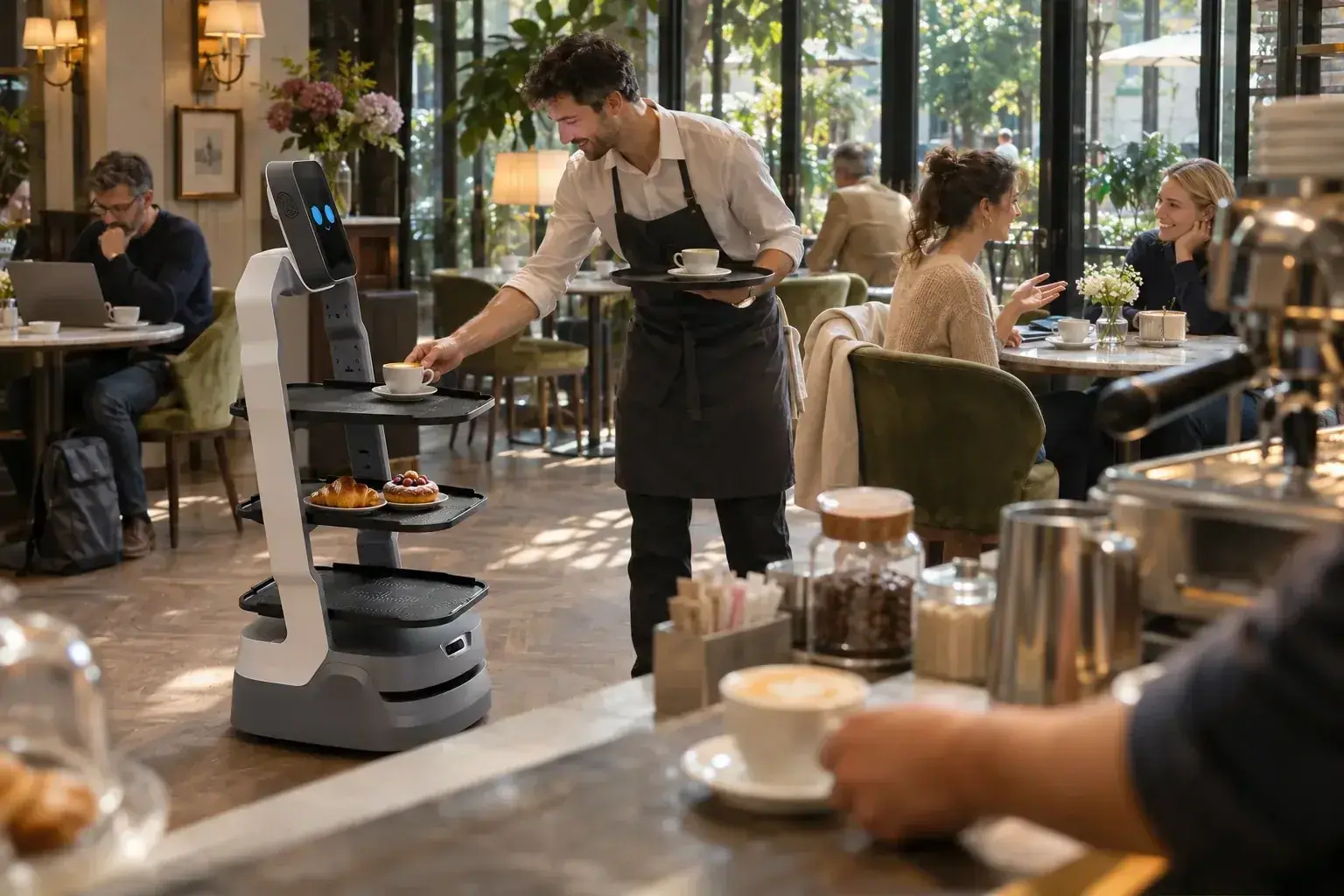
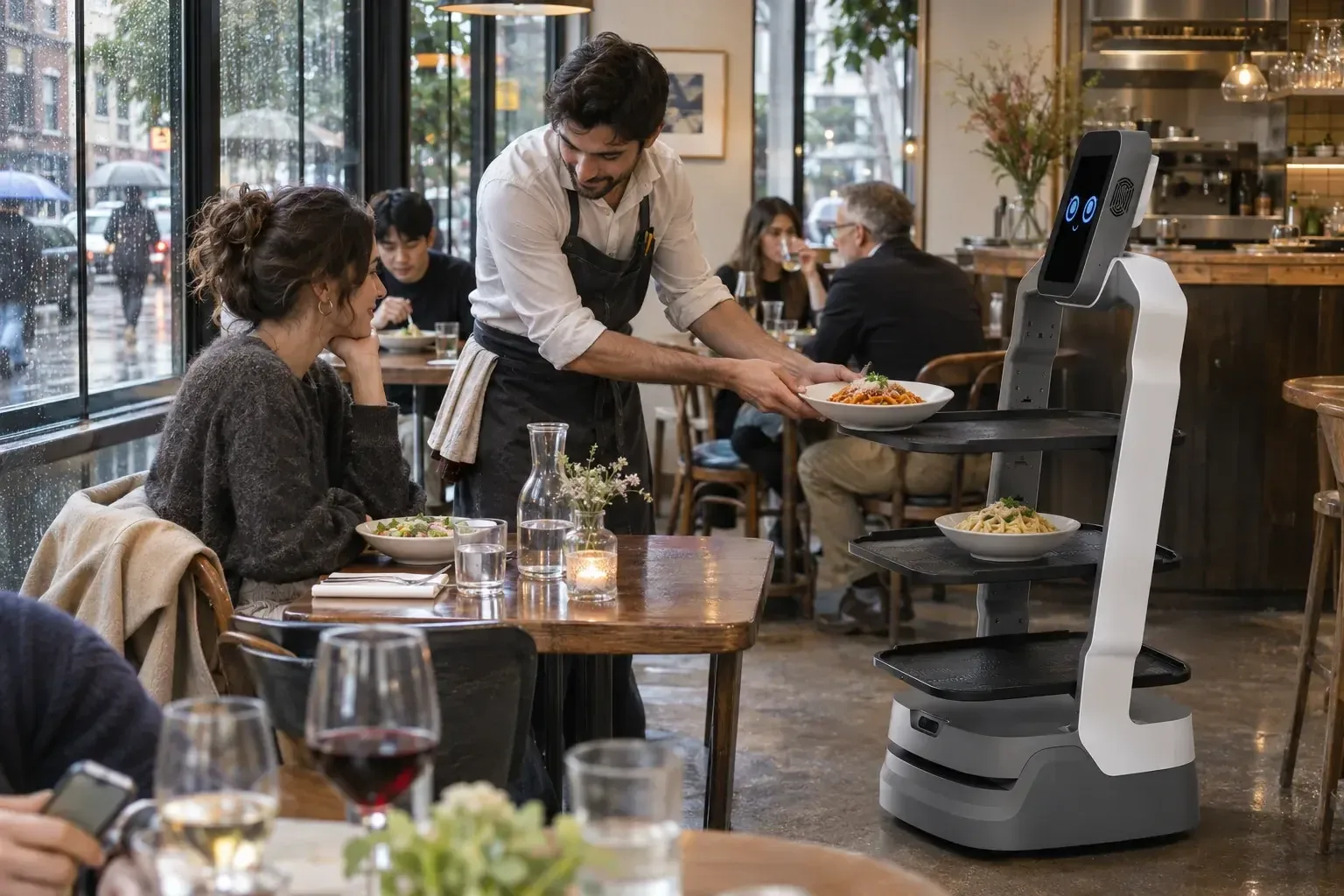
- Delivery of drinks and plates from the counter to a table or seating zone, so the person making coffee does not have to leave the machine.
- Collection of used cups, saucers and plates, which keeps tables turning over without a staff member doing repeated trips to the dishwasher.
- Cruising along a set route, for example offering samples of a new pastry or carrying water for guests on a terrace.
In all three cases, staff still take the order, check the drink and speak to the guest. The robot simply covers the distance between those moments.
Choosing a robot for a coffee shop
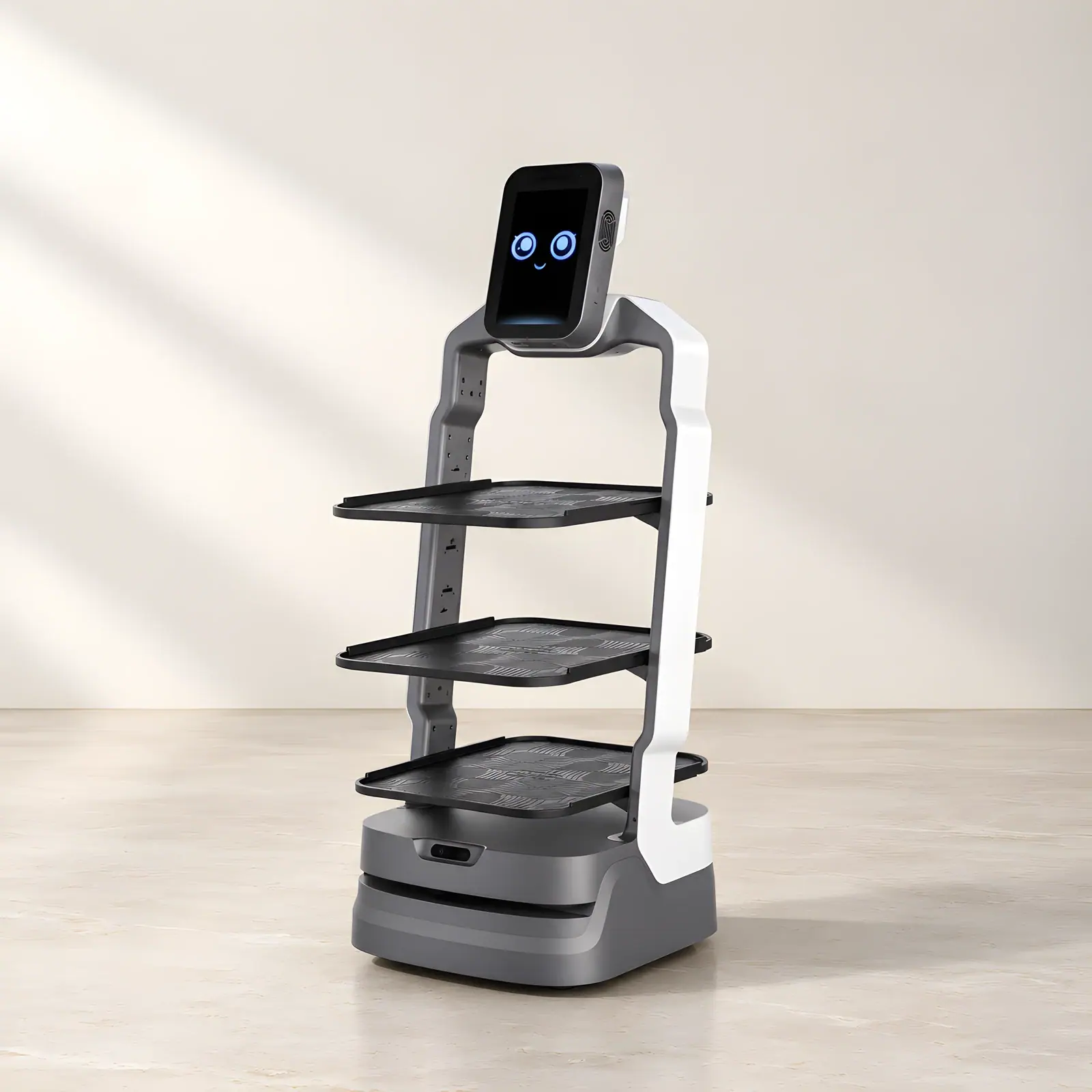
For many cafés, the OrionStar LuckiBot is a natural starting point because it combines several roles in one machine. It offers Delivery, Collection, Cruise, Greeting and Guidance modes, adjustable open trays with up to 10 kg per tray and a 40 kg total payload, and a 10.1-inch touchscreen that can display promotional content while it moves. OrionStar specifies up to 10 hours of typical cruising time, which should be checked against your opening hours, with roughly 4.5 hours to recharge when the robot is switched off.
Several of LuckiBot’s optional accessories are relevant to coffee service: cup holders, a sealed food protector, silicone tray mats and an aluminium tray. The Cute Head Cover is optional too, and it can suit a family-friendly café or a brunch spot that wants the robot to feel playful rather than technical.
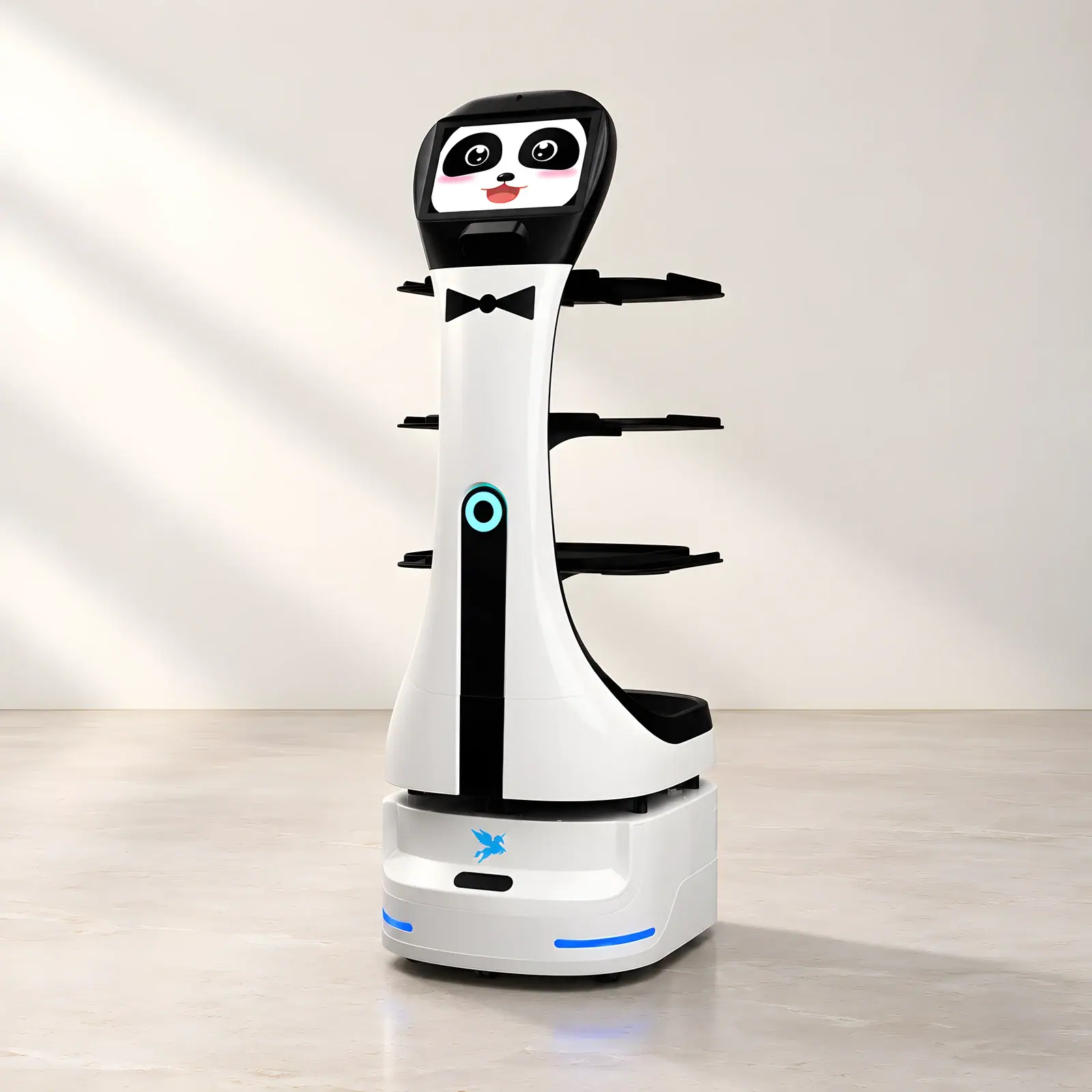
If the main job is simply moving food and drinks to several tables in one trip, the Alpha Robotics Panda is another option. It has three trays with a combined payload of up to 30 kg, multi-point delivery, at least 8 hours of working time and automatic return to its charger. Cafés are among the venues it is designed for.
Before choosing, measure the narrowest gap the robot will need to pass through. A café with tightly packed tables, a step to the terrace or chairs that are often pulled into the aisle needs a closer look than a spacious brunch room. Our guide on how to map your restaurant for a service robot applies equally well to coffee shops.
Keeping the personal touch
A common concern among café owners is that a robot will make the place feel less personal. In practice, the opposite can happen if the roles are set up carefully.
Consider an illustrative example: a café in Limassol with one barista and one floor person during the lunch rush. Without a robot, the floor person spends most of the peak carrying trays and collecting cups, and the barista is left to handle questions at the counter while making drinks. With a robot taking the plates to the terrace, the floor person can stay near the tables, check that the order is right and chat with guests who are deciding whether to stay for dessert.
A few simple habits help to keep things personal:
- Have a staff member meet the robot at the table for the first drink of a new group, at least during the first weeks.
- Use the screen for useful messages, such as the day’s specials, rather than constant advertising.
- Keep the robot away from the counter queue so that it never stands between a guest and the person serving them.
Setting up the first routes
Start small. Choose one route that is used dozens of times a day, such as counter to terrace, and one collection point near the dishwasher. During installation, which is usually a one-off visit of up to a few hours, the robot maps the space and the delivery points are set up. Your team learns how to load the trays, send the robot and return it to its charging position.
During the first weeks, observe a few things rather than everything at once:
- How often staff have to step in to clear the robot’s path.
- Whether drinks arrive in good condition, especially full cups and tall glasses.
- Whether the floor team is actually spending the saved time with guests.
Adjust as you go. If the robot regularly waits behind a high chair or a pram parking spot, move the obstacle or the route. Screen content can be updated remotely, so a new seasonal menu or weekend offer does not require a technician visit.
Is it worth it for an independent café?
The answer depends on how much walking your team does and how important the peaks are to your revenue. A café in a busy part of Larnaca or Paphos with a large terrace has very different needs from a small counter-service shop in Nicosia with six tables. For a broader view of the benefits for smaller venues, see our article on the top benefits of service robots for small restaurants.
You do not have to pay the full price at once: payment in instalments can be agreed individually. A demo at your café shows how the robot works on your routes before you decide, and delivery usually takes 4–12 weeks from order, depending on the model and current availability. If you would like to compare options for your venue, have a look at our robots for cafés, restaurants and hotels in Cyprus and the support we provide locally.
A robot in a café works best when it handles the trips nobody notices and leaves the conversations to people. Start with one route, watch how your team uses the extra time and expand only when the first task runs smoothly.