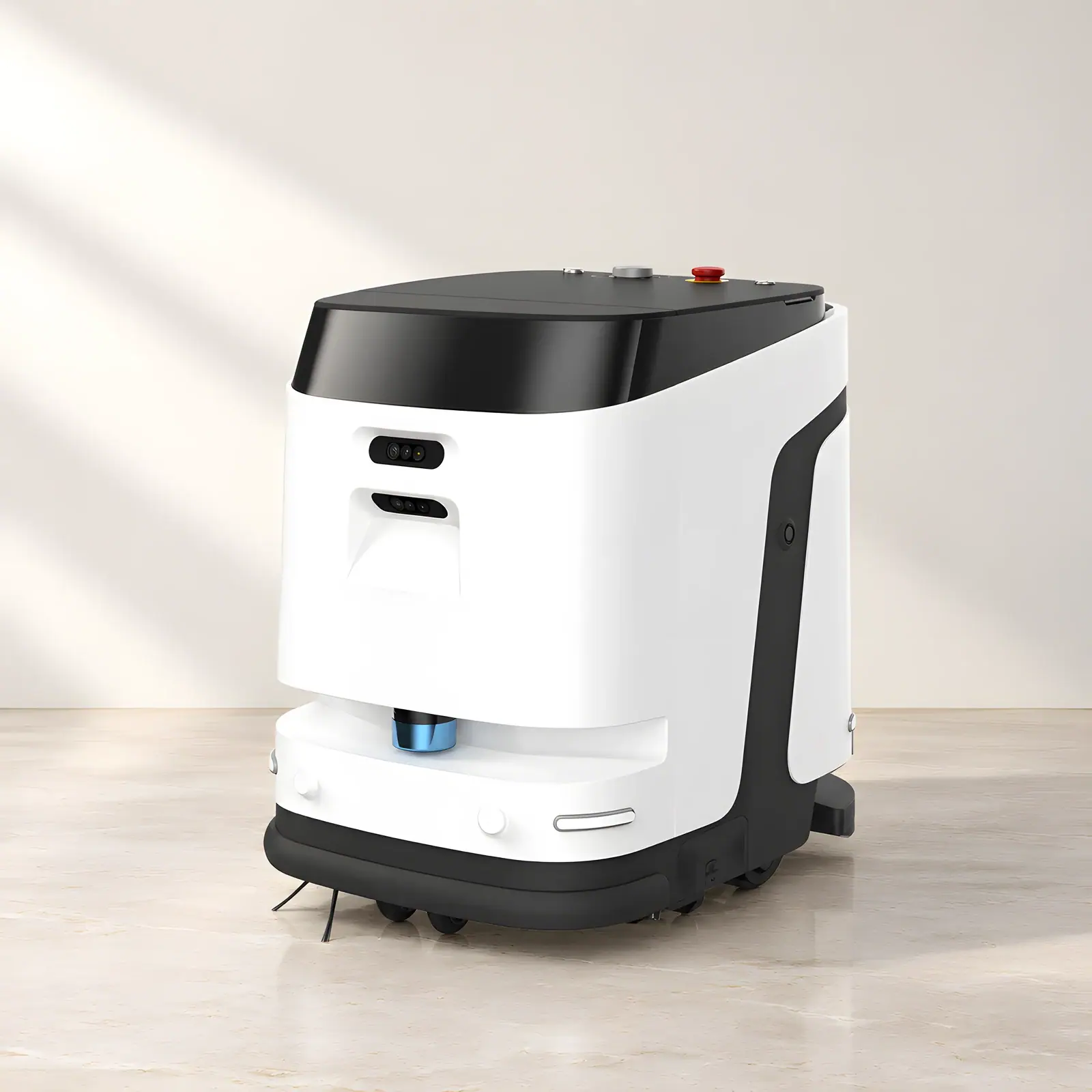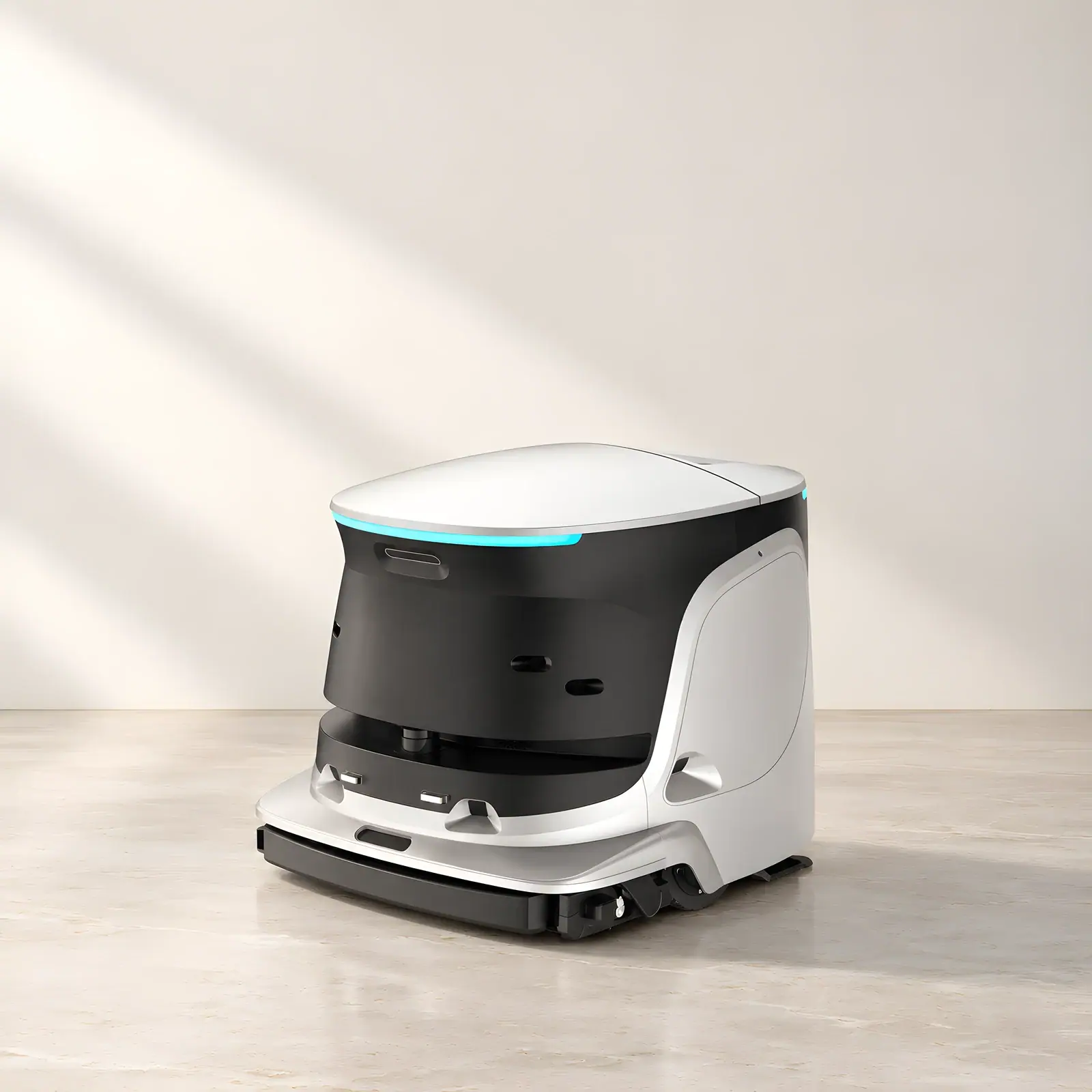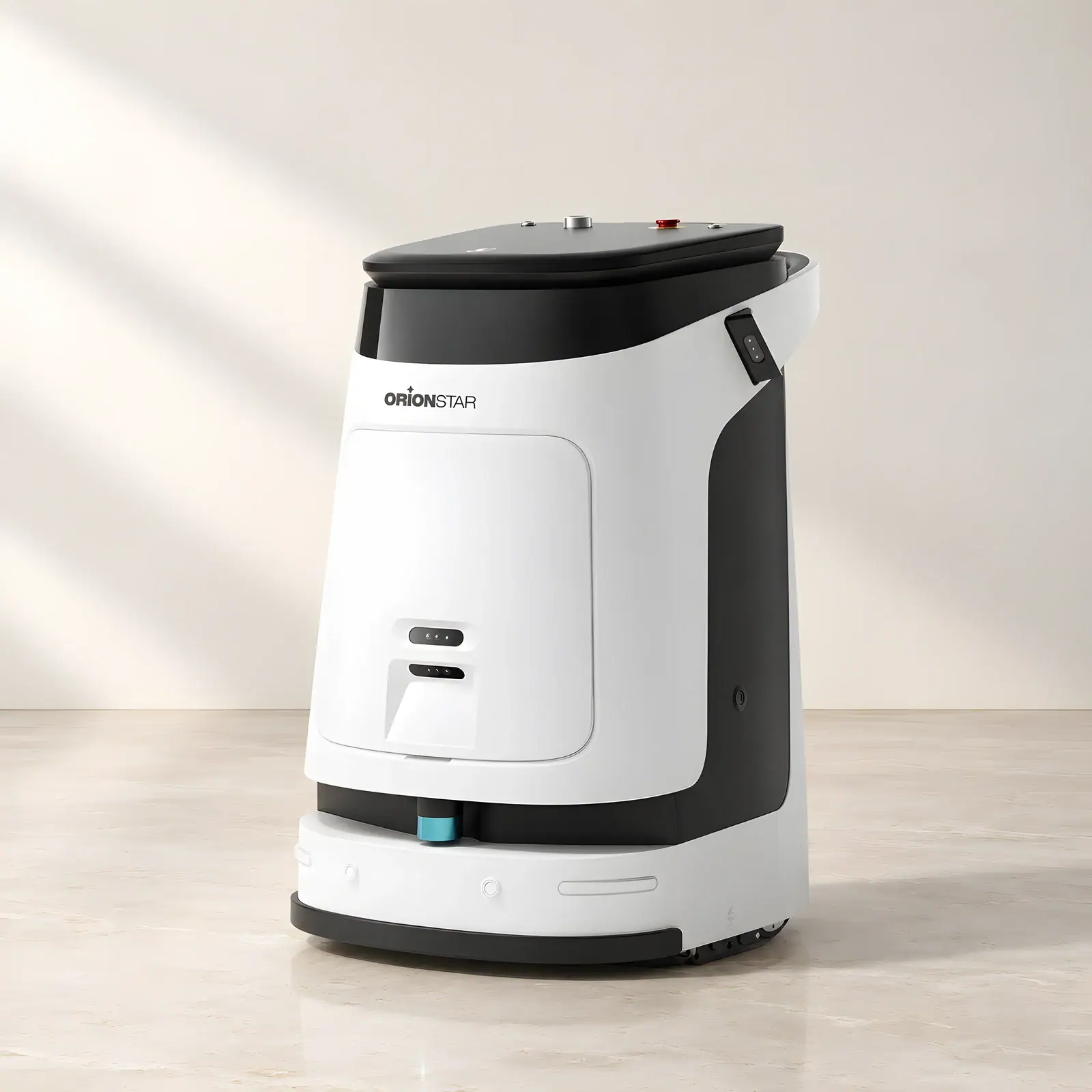
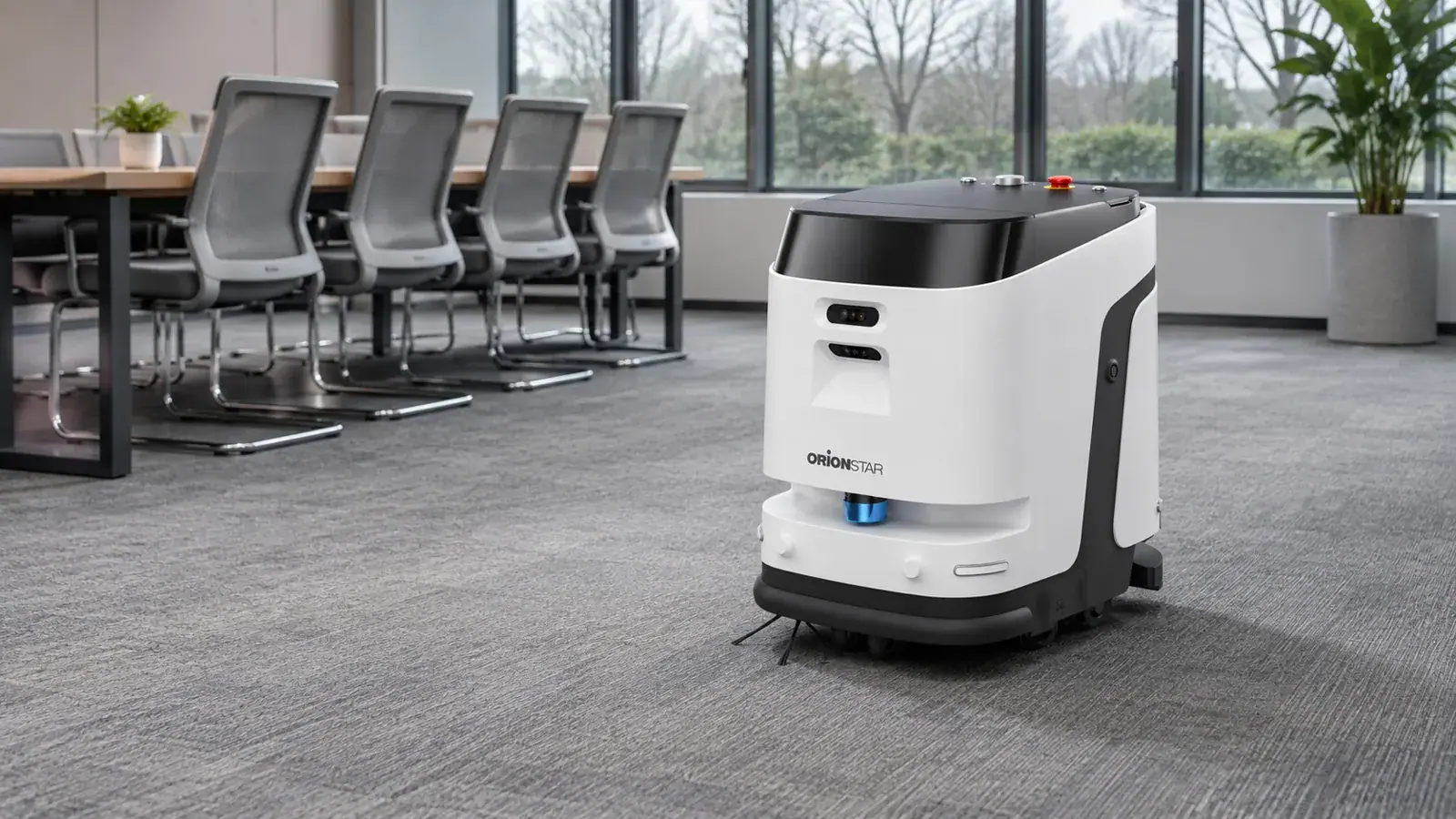
An office can seem like an ideal place for overnight robotic cleaning: people leave, the floor becomes available and the machine gets to work. In practice, a chair pulled into a corridor, a cable under a desk or a locked door can interrupt that simple picture.
Office cleaning robots in Nicosia are most useful when the after-hours routine is designed as carefully as the daytime one. This illustrative use case considers an office with carpeted work areas, hard-floor circulation space and meeting rooms. It describes a possible deployment approach rather than a documented customer project.
Start office cleaning robots in Nicosia with a defined route
The first decision is which areas should belong to the robot. Accessible corridors and open floor zones are often easier to organise than every small space around desks and chair legs.
Map the intended route and identify doors that will be open during the cleaning window. Agree which areas remain outside the programme, such as rooms that require separate access arrangements or spaces with frequent layout changes.
A focused first route gives the facilities team something measurable to manage. If the robot reliably completes that work, the programme can be expanded after reviewing the results. Beginning with the entire building can make it harder to understand why a task is failing.
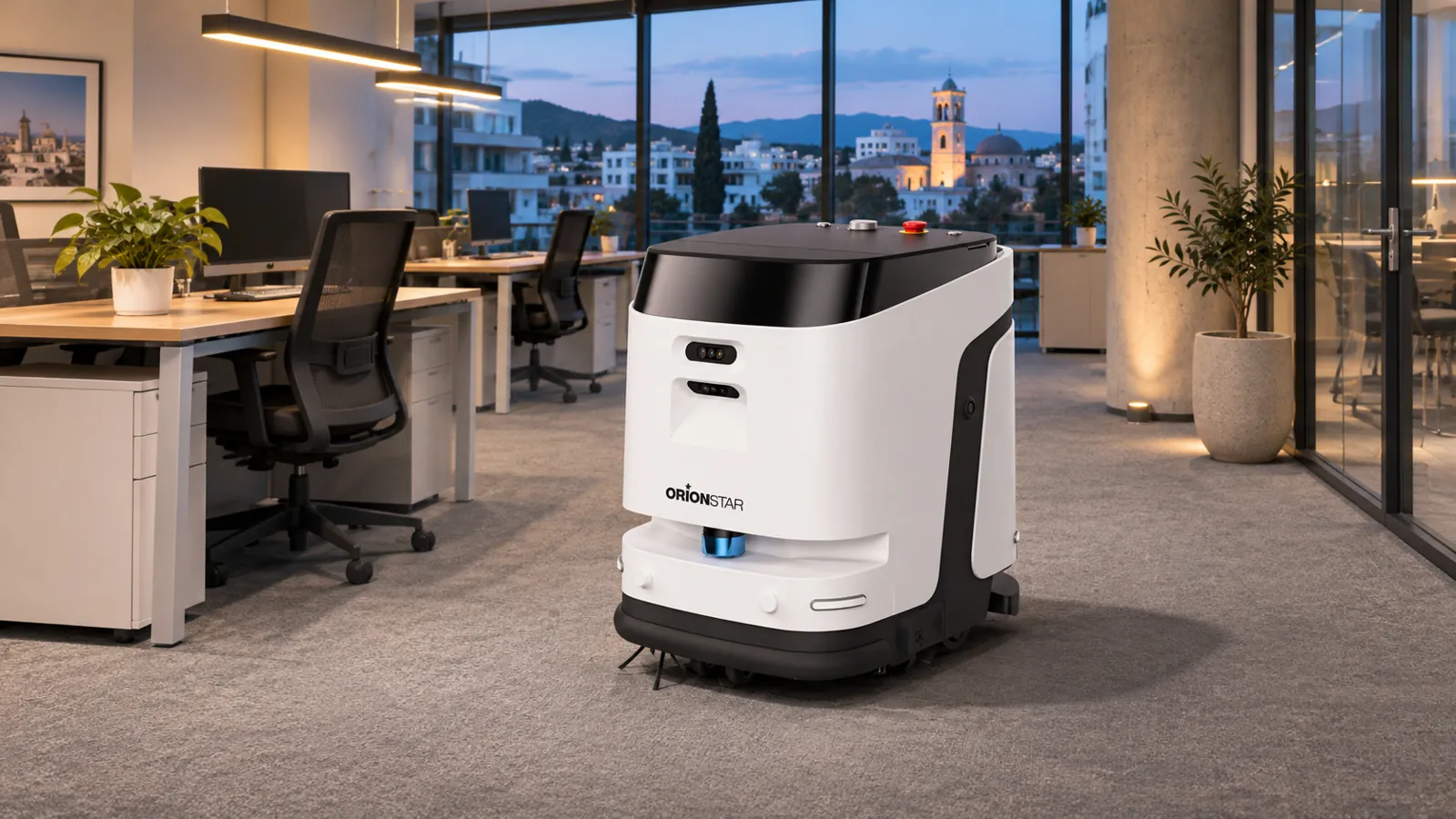
Choose the cleaning method room by room
For recurring vacuuming on suitable carpets, the CleaniBot K1 is a relevant option. Its role is to collect dry material, making it worth assessing where vacuuming occupies a substantial part of the evening cleaning shift.
If the office has several compatible surfaces and needs different maintenance modes, the CleaniBot S55 Pro offers another approach. Predefined zones can use different programmes within the mapped cleaning plan.
For larger hard-floor areas requiring regular scrubbing, the CleaniBot M1 may be more appropriate. A suitable water station can reduce the amount of manual replenishment and drainage needed between tasks.
The office does not need to automate every floor-care method at once. Selecting the largest repeatable task provides a clearer starting point and a more useful test of the investment.
Make the end-of-day routine simple
Before scheduled cleaning begins, staff can help by leaving the agreed routes clear. Chairs should be positioned consistently, loose cables kept out of the cleaning path and temporary deliveries moved to their designated place.
The aim is a short, practical routine that people can follow without having to understand the robot’s navigation system. If successful cleaning depends on an elaborate daily furniture rearrangement, the proposed route may need redesigning.
Door access and building security should also be agreed with the relevant team. The robot’s schedule must fit the way the premises are closed, and any remote monitoring functions should use the approved connectivity arrangements for that installation.
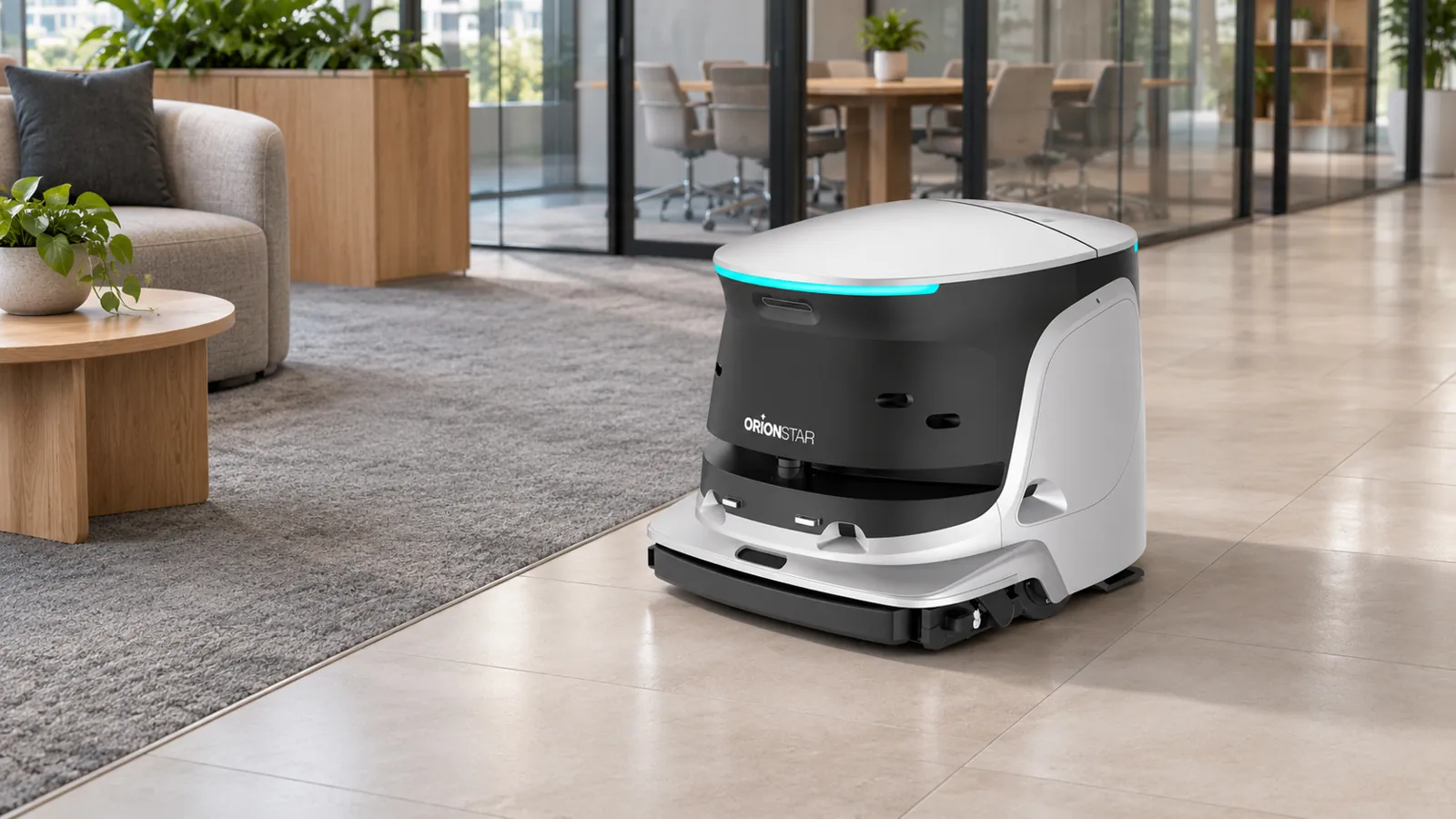
Decide who handles an interrupted task
After-hours operation still needs a named owner. The cleaning supervisor or facilities team should know how to review status, respond to a problem and arrange any missed cleaning.
This does not necessarily mean someone has to walk beside the robot. It means the business has a practical response when a route is blocked or a maintenance task is due. The level of remote visibility and available alerts should be confirmed for the chosen model and configuration.
Charging and servicing also need a place in the schedule. A robot that finishes a route but is not prepared for the next evening can quickly become another piece of equipment waiting for attention.
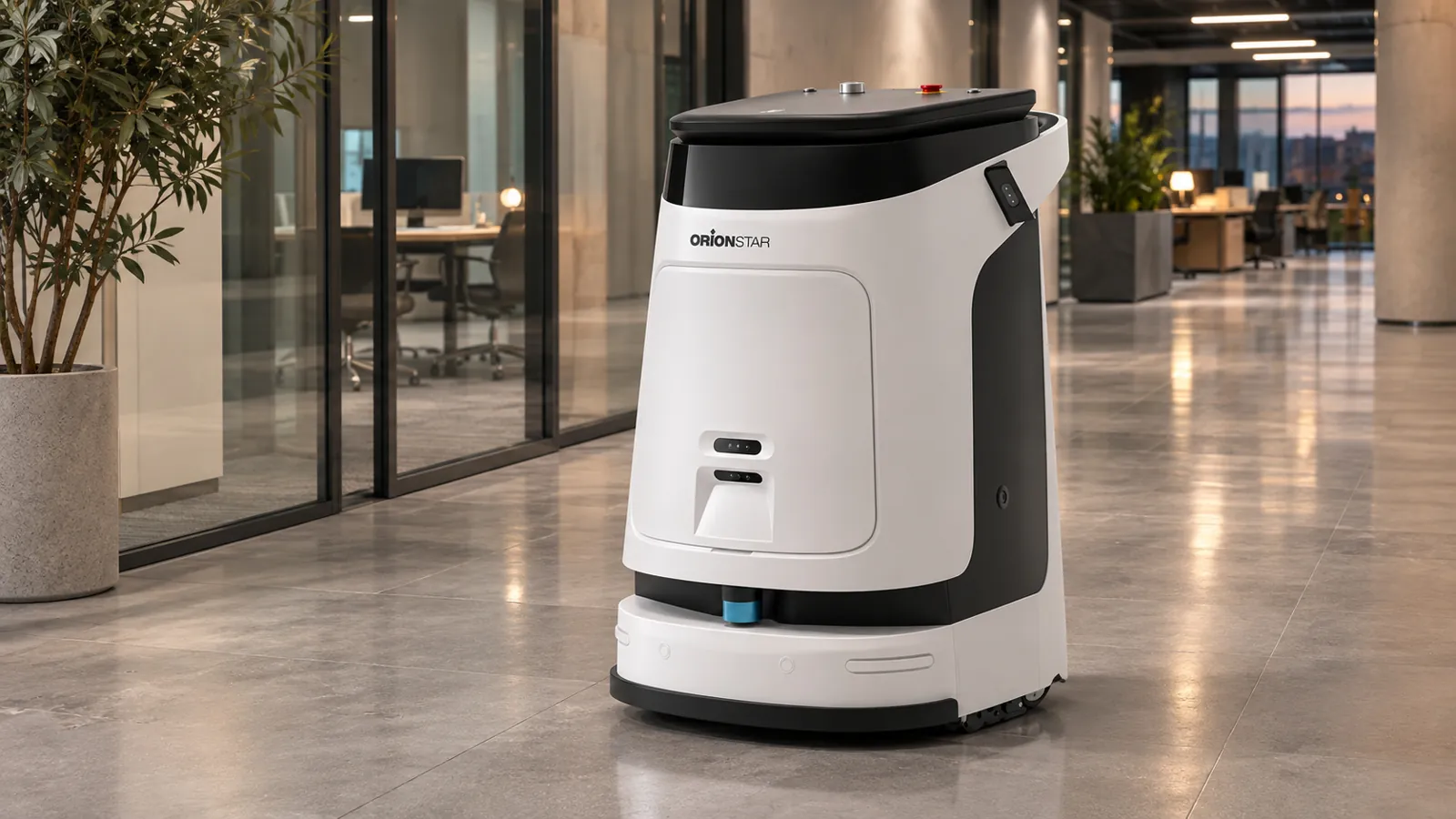
Check the result the next morning
A useful pilot compares the planned area with what was actually completed. Where the system provides task reports, review them alongside a physical inspection of the floor. A successful route on a screen is helpful evidence, but the cleaning standard remains the real objective.
Record preparation time, operator interventions and maintenance time as well. This reveals whether the robot is reducing repetitive work or whether avoidable layout problems are consuming the benefit.
The cleaning team can then focus more attention on desks, kitchens, washrooms, touchpoints and localised issues. Floor automation supports that work by making one portion of the evening routine more predictable.
Reef Robotics supplies and supports robots locally in Cyprus, helping with selection, delivery, mapping and staff training. Our commercial cleaning robot range includes several ways to approach office floor care. Office cleaning robots in Nicosia become a practical asset when the route, closing routine and maintenance responsibilities are all clear.