
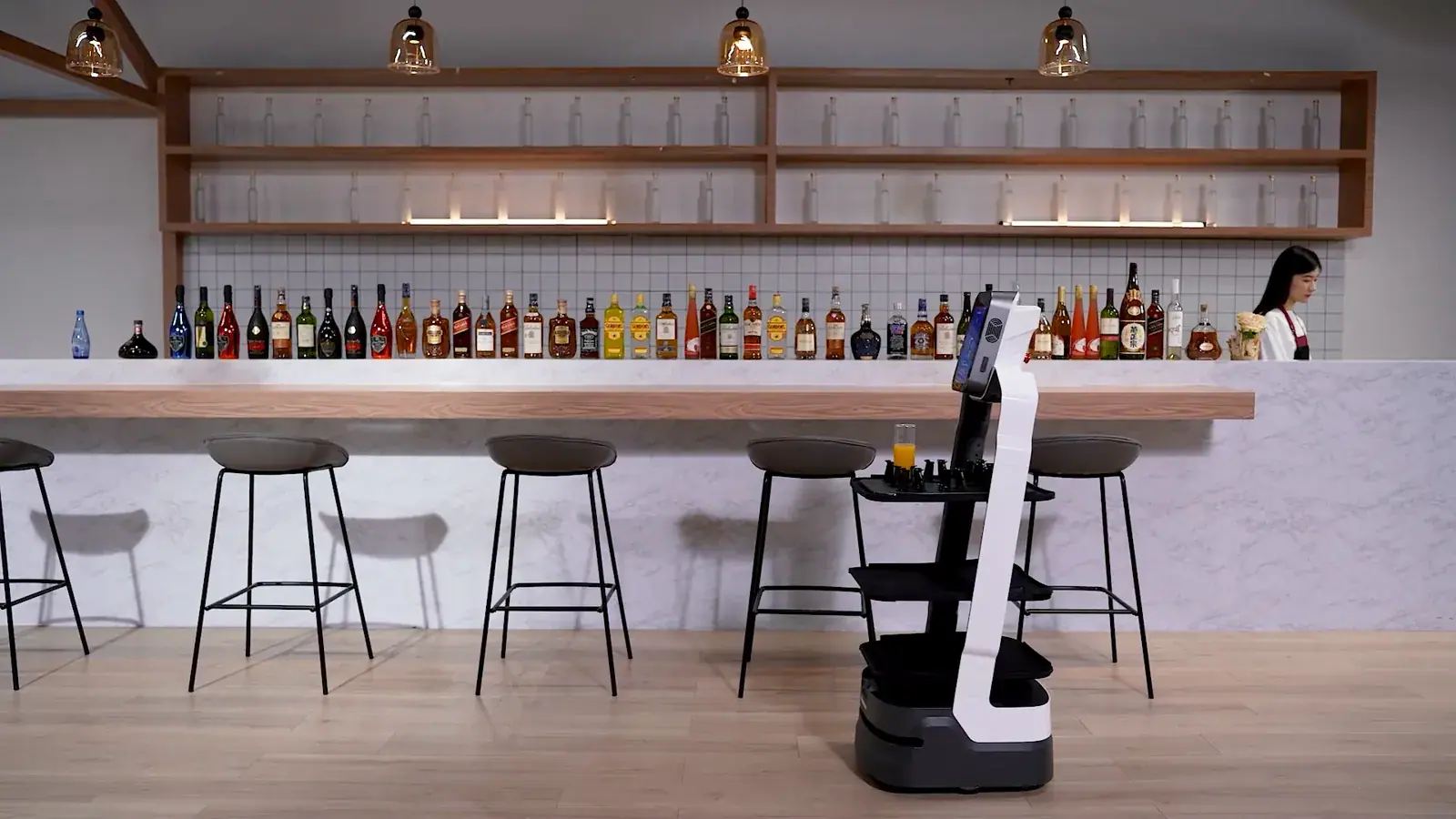
Bringing a restaurant robot into your venue is not just about the technology itself. The biggest improvements often come from small operational adjustments made before the robot even arrives.
Many restaurants assume they need a major redesign. In reality, a few targeted changes can significantly improve how a robot performs from day one. These are practical, low-effort steps that prepare your space and team for smooth robot integration.
1. Organize the kitchen pass
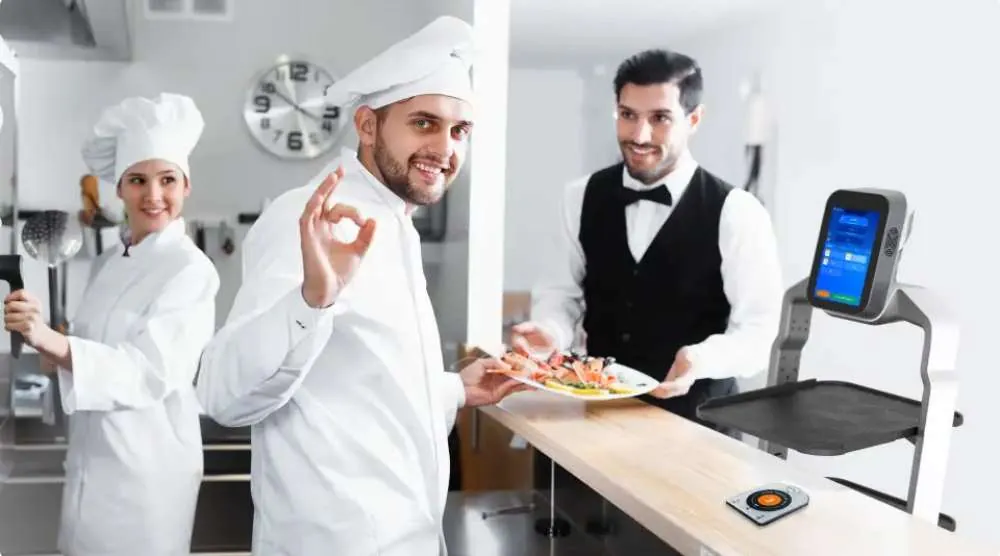
Start with the point where everything begins – the kitchen pass. If this area is chaotic, the robot will not solve the problem. It will simply move that chaos faster.
Create a clear system for placing orders, grouping dishes, and preparing them for delivery. When items are organized before loading, the robot can operate efficiently without unnecessary handling later.
2. Standardize tray usage
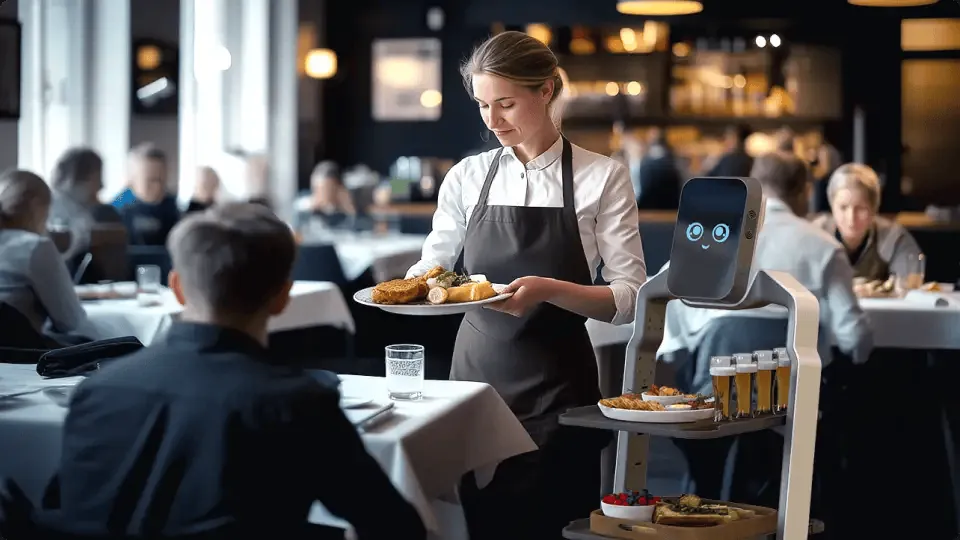
Consistency is key. Decide how trays will be used before introducing the robot.
For example, assign one tray per table or per order group. This avoids confusion when the robot reaches the dining area and makes unloading faster and more intuitive for staff. Small habits like this reduce hesitation during busy service.
3. Define clear service routes
Even though a restaurant robot can navigate autonomously, it performs best when routes are predictable.
Think about how staff currently move through the space. Identify the most efficient paths between kitchen, tables, and dish return areas. These will later become the robot’s main routes. Avoid creating paths that cross the busiest zones unnecessarily.
4. Identify no-go areas early
Every venue has spaces where the robot should not go. This might include tight corners, stairs, uneven flooring, or areas with heavy foot traffic.
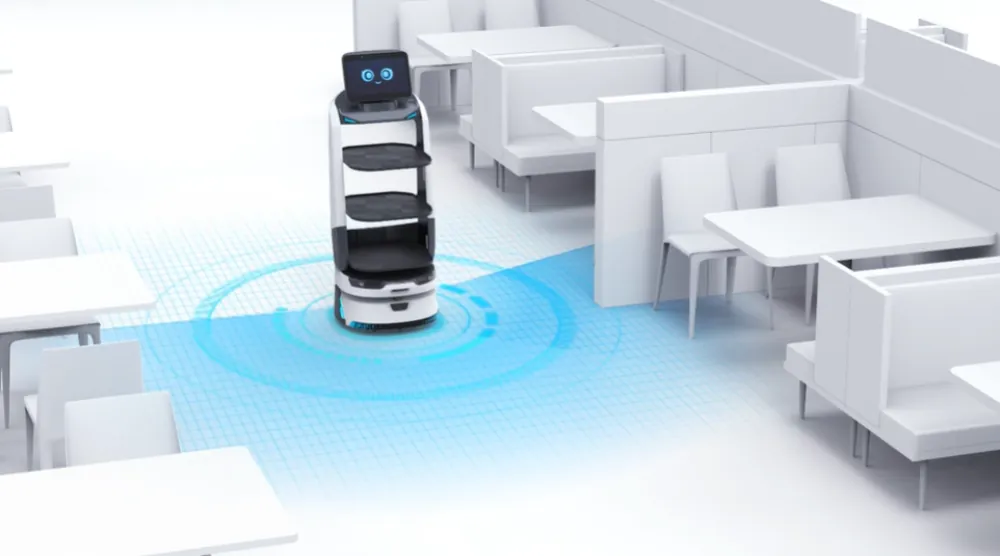
Robot operates with LiDAR and cameras
Marking these zones in advance helps during the mapping process. It also ensures safer operation from the start. A well-defined environment makes the robot more reliable.
5. Clear unnecessary obstacles
Take a fresh look at your layout. Small objects, decorative elements, or poorly placed furniture can interfere with movement. You don’t need to redesign the entire space, but removing unnecessary obstacles can make a noticeable difference. The goal is to create smooth, natural paths that both staff and service robot can use without friction.
6. Align team expectations
Before introducing a restaurant robot, make sure your team understands its role. This is not about replacing staff. It’s about reducing repetitive work. When everyone knows when and how to use the robot, adoption becomes much faster.
A short conversation or briefing before implementation can prevent confusion later.
7. Plan loading and unloading points
Decide exactly where the robot will be loaded and where items will be taken off.
These points should be easy to access, clearly defined, and free from congestion. When staff know where to interact with the robot, the workflow becomes more predictable. This also reduces unnecessary movement during peak hours.
8. Think about timing, not just movement
A restaurant robot improves flow, but timing still matters. Consider when the robot should be used most intensively. Typically, this will be during peak service. Planning usage around these moments ensures that the robot delivers maximum value. Without this, it may be underused or used inefficiently.
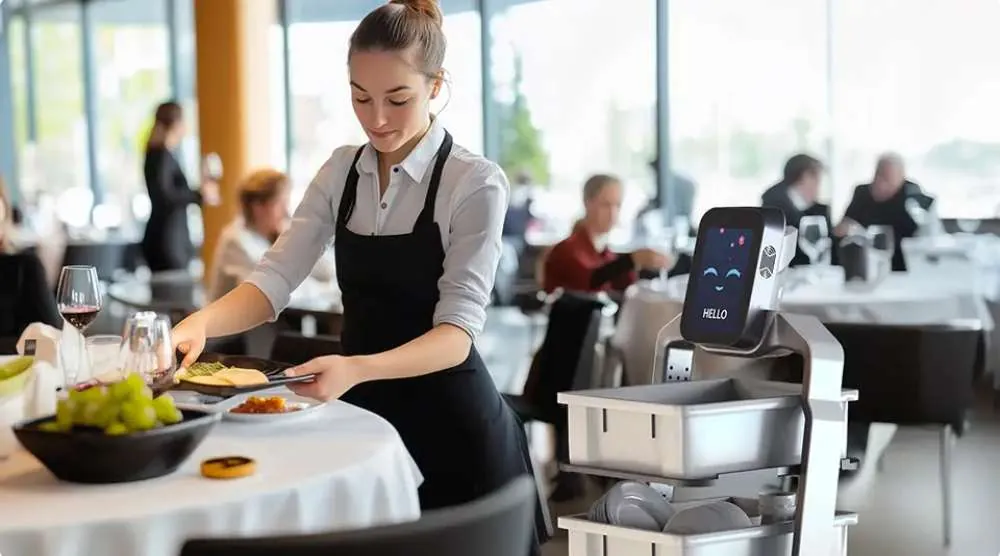
9. Prepare for simple adjustments
No setup is perfect from the beginning. Be ready to make small changes after the first few shifts. This might include adjusting routes, redefining stops, or changing how trays are loaded. These are normal steps in the process. The goal is continuous improvement, not a perfect launch.
10. Keep the experience guest-friendly
Finally, remember that the robot is part of the guest experience.
Make sure its movement is smooth, its paths are not intrusive, and staff remain present and attentive. The robot should support the atmosphere, not dominate it.
When used correctly, it becomes a natural and even positive element of the service.
