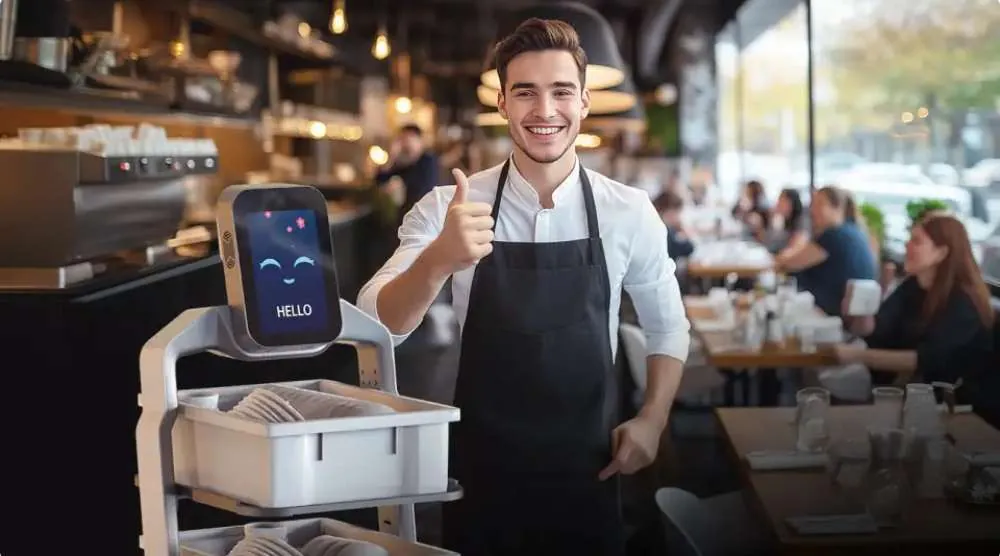
Friday night. Full house. Orders stacking up. Kitchen calling numbers. Waiters weaving between tables. Guests waiting. Peak-hour chaos is where margins shrink and stress rises. It is also where a restaurant robot or service robot proves its real value. Not as a gimmick. Not as decoration. But as a stabilizing force inside a high-pressure service window. This is a practical field guide to using a restaurant robot effectively during rush hours.
Typical Peak-Hour Bottlenecks
Before assigning tasks to a robot, identify the real friction points. In most mid-sized restaurants, peak service exposes the same operational weaknesses.
1. Kitchen-to-floor congestion: Multiple waiters waiting at the pass. Limited space. Delays of 2–5 minutes per order.
2. Long walking distances: Terrace seating. Split dining areas. Stairs or extended corridors. Each trip consumes time and energy.
3. Plate return backlog: Dirty dishes accumulate on tables because staff prioritize new orders.
4. Drink delays: Bar-to-table traffic competes with food delivery traffic.
These micro-delays compound. Ten seconds here. Thirty seconds there. Over a three-hour rush, this can reduce table turnover and increase guest frustration.
What a Restaurant Robot Does During Rush
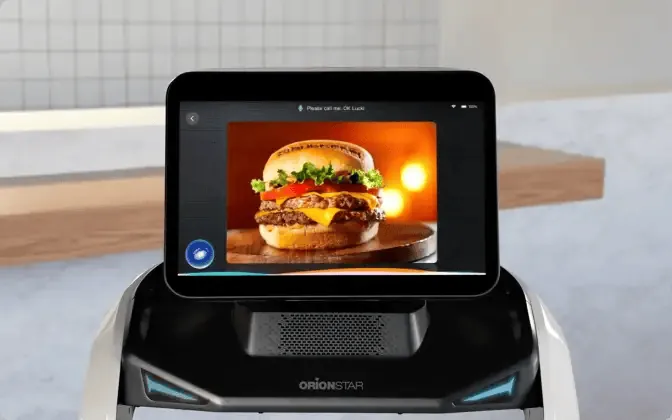
A properly configured service robot should not try to do everything. It should handle repetitive transport tasks that consume staff time but add little hospitality value.
1. Food Deliveries
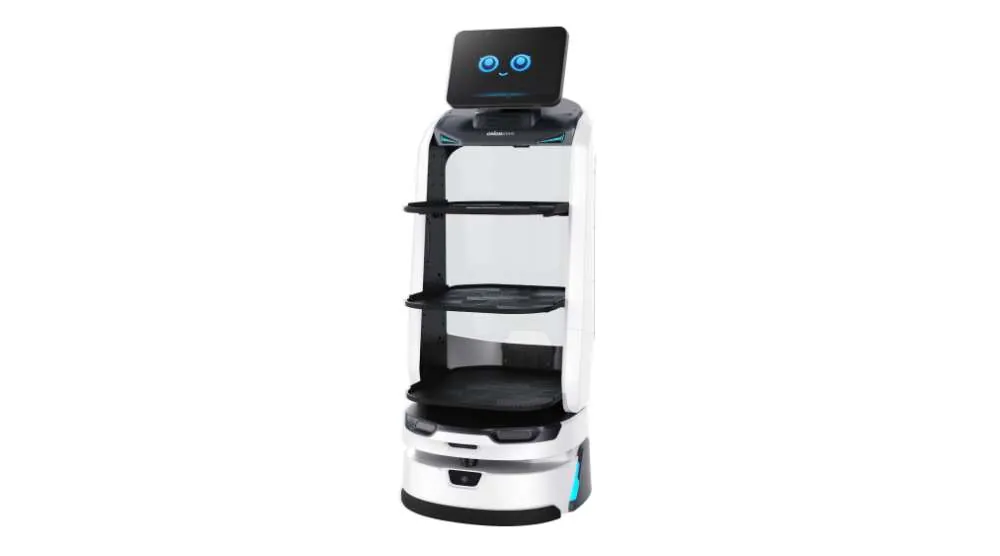
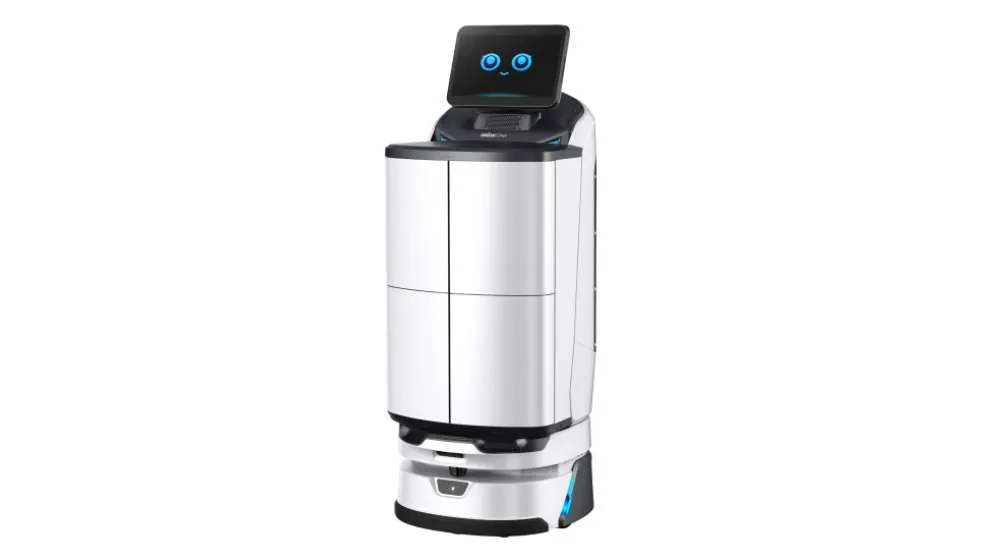
The robot carries multiple plates from kitchen to tables in one trip. Staff load trays at the pass. The robot follows a mapped route. A waiter meets the robot at the table to present dishes. This reduces crowding near the kitchen and cuts walking time significantly.
2. Plate Returns
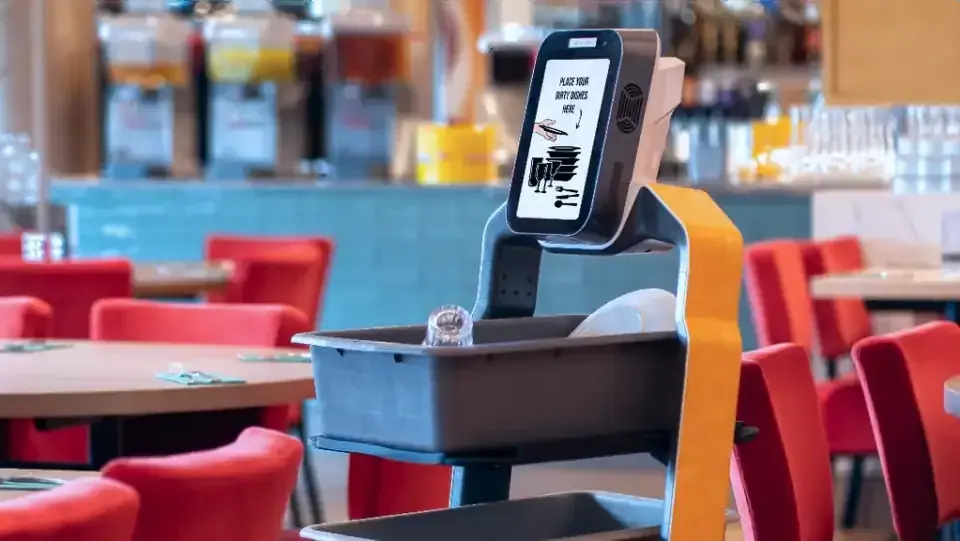
After clearing tables, staff place dishes on the robot. The robot returns them directly to the dishwashing area. No extra walking. No stacking at service stations. This keeps tables clean and speeds up reset time.
3. Drink Transport
During high-volume beverage service, the robot can move drink trays from bar to designated zones. Staff focus on final presentation and guest interaction.
4. Continuous Loop Support
In very busy venues, the robot can operate in a loop: kitchen → table zone A → table zone B → dish station → kitchen. This creates a predictable logistics cycle that reduces chaos.
Suggested Shift Choreography: Who Does What
A restaurant robot works best when roles are clearly defined.
Kitchen team:
- Load trays correctly.
- Confirm table numbers before dispatch.
Primary waiter:
- Greets guests.
- Takes orders.
- Presents dishes at table.
- Upsells and manages experience.
Floor support staff:
- Clear tables.
- Load dirty plates onto robot.
- Guide robot in tight spaces if necessary.
Robot:
- Moves.
- Carries.
- Repeats.
The key principle is simple: the robot handles logistics. Humans handle hospitality. This choreography reduces wasted movement. It also reduces stress, because responsibilities are predictable during the rush.
Tips to Avoid Collisions and Traffic Confusion
Peak service increases movement density. Proper setup prevents operational friction.
1. Map Real Walking Paths
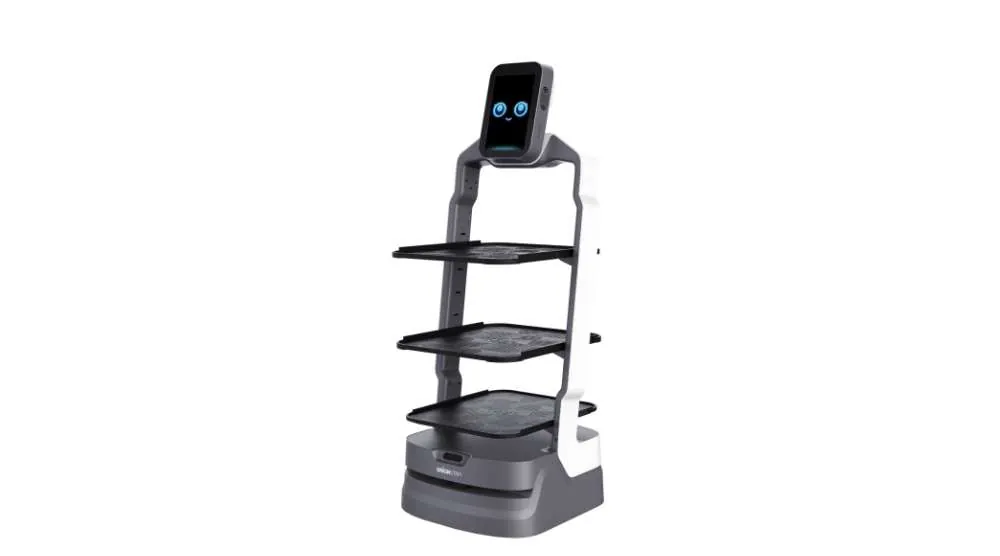
When configuring the restaurant robot, map actual service paths, not idealized floor plans. Include narrow points, corners, and high-traffic zones.
2. Define Priority Lanes
Create informal “robot lanes” where possible. Staff should know where the robot typically travels.
3. Train Staff to Anticipate Movement
A service robot moves consistently and predictably. Staff should avoid sudden direction changes directly in its path.
4. Limit Manual Overrides
During peak hours, avoid frequent rerouting. Stable routes reduce confusion.
5. Keep Loading Zones Clear
Do not block the robot at the kitchen pass. Designate a clear staging area for loading and dispatch.
With proper choreography, the robot becomes part of the rhythm rather than an obstacle.
Short Case Example: 60-Seat Coastal Restaurant
A 60-seat coastal restaurant with indoor and terrace seating struggled during summer evenings. Kitchen-to-terrace distance was 25 meters. Staff spent most of peak service walking.
After implementing a restaurant robot:
- Food delivery trips reduced by 40%.
- Table reset time improved by 20%.
- One seasonal runner shift was shortened by half.
- Staff reported lower physical fatigue.
The biggest operational improvement was flow. The kitchen area became less congested. Orders moved faster. Guests perceived quicker service even though headcount did not increase. The robot did not replace staff. It removed friction.
Why Peak Hours Are the True Test
During slow service, almost any workflow functions. Peak service exposes inefficiency immediately. A restaurant robot stabilizes operations when pressure is highest.
It:
- Reduces walking time.
- Minimizes congestion.
- Improves predictability.
- Protects service quality.
For venues with 40+ seats, long distances, or heavy seasonal traffic, a service robot becomes most valuable exactly when demand peaks. The goal is not automation for its own sake. The goal is controlled, repeatable execution during the busiest hour of the day. If you want to see how this would work in your layout, the next logical step is practical evaluation.